MCP: your AI assistant reads the feedback and bug report
Claude, Cursor or ChatGPT pulls the feedback, logs and session, then comments and assigns.
Connect your AI tools to Userback in minutes. Join over 20,000 teams using Userback.

















Connect AI Developer Tools to User Feedback
Built on the Model Context Protocol standard. Give your AI coding assistant full access to feedback details, logs, comments, and context. Debug faster, triage smarter, ship better.
Manual context copying
Tools supported
How Userback MCP works
AI-powered feedback access for developer tools
Connect Userback directly to the AI tools your team already uses. Search, review, and act on feedback without switching context.
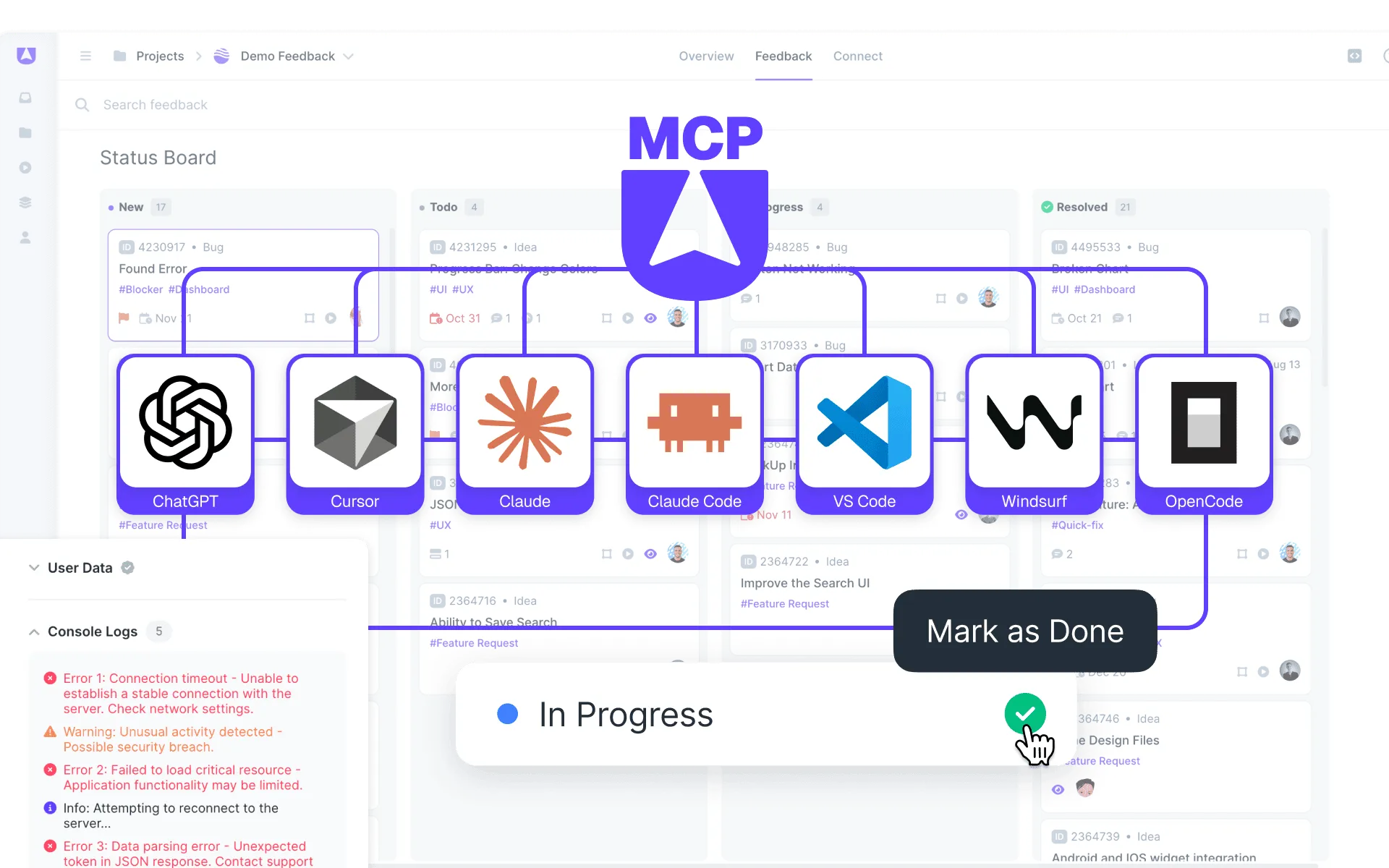
- Works with ChatGPT, Cursor, Claude, VS Code, Windsurf, and more MCP-compatible clients.
- Built on the open Model Context Protocol standard.
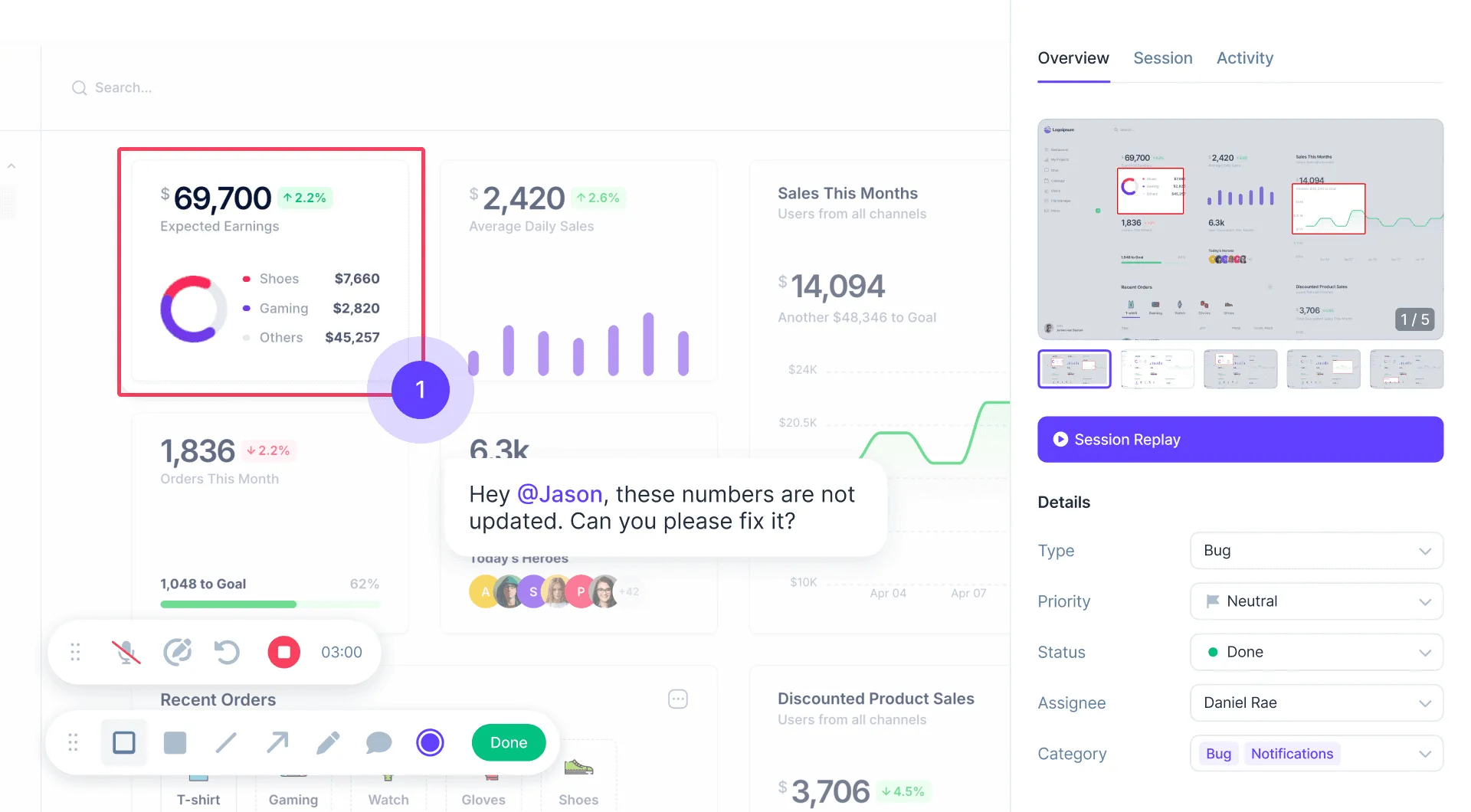
Load everything automatically
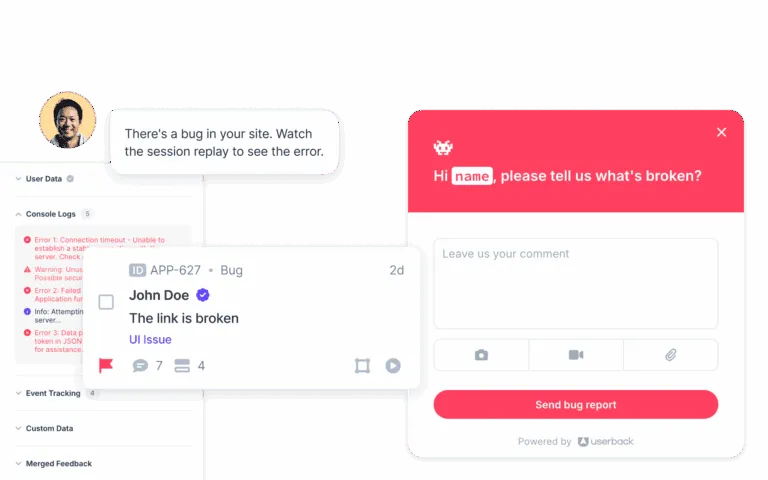
Your AI agent pulls in feedback details, console logs, and network requests so engineers can analyze root causes without leaving the IDE.
- Access logs for every feedback item and cross-reference with your codebase using Cursor or Claude Code.
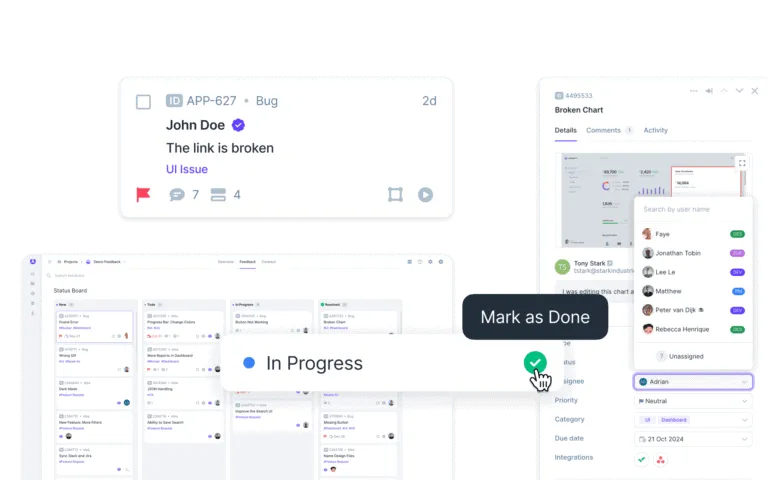
- Search by keyword, priority, or meaning, then assign ownership and move feedback through workflow states from your AI tool.
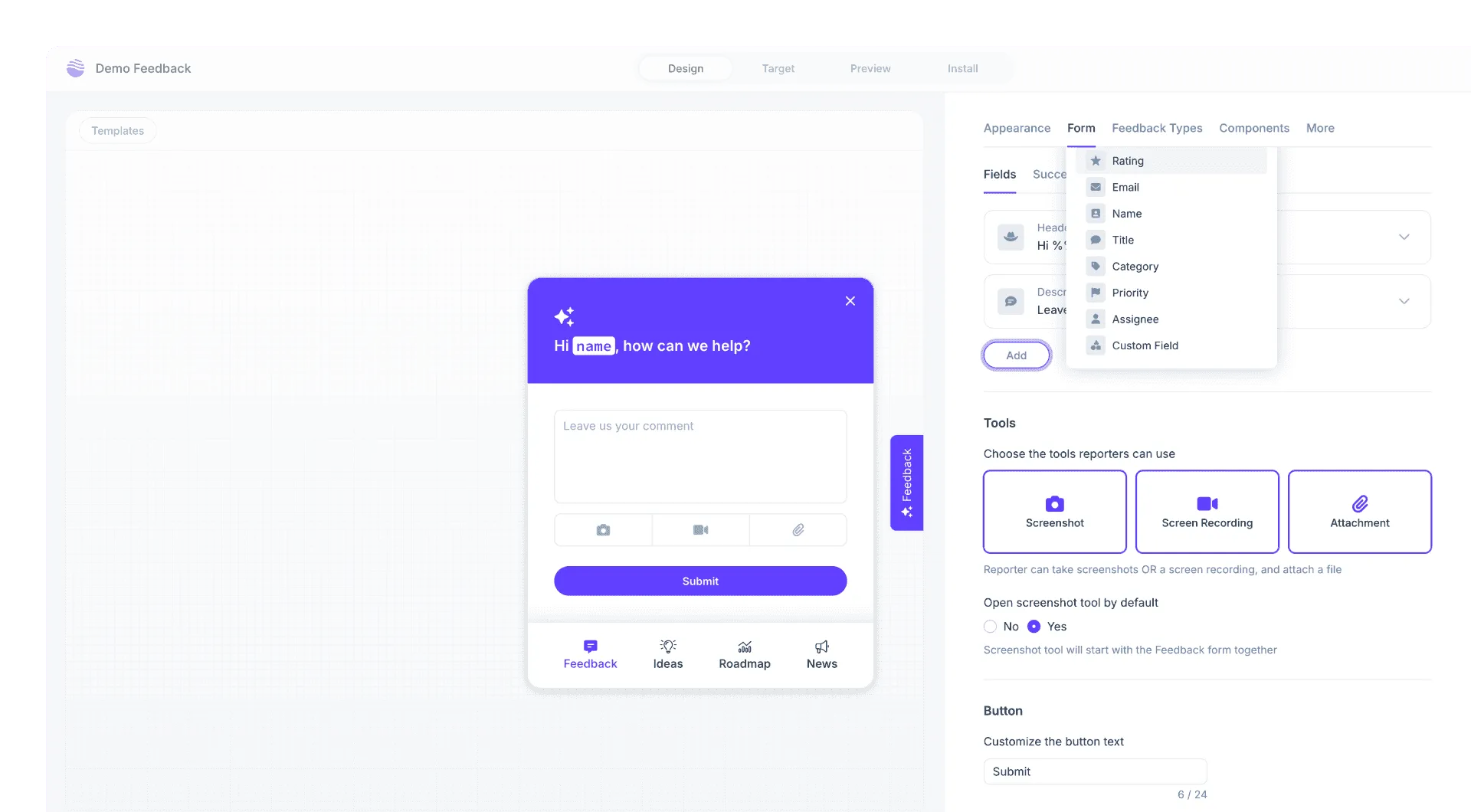
Set up in minutes
No changes to your Userback widget or snippet. Just connect, authorize, and start prompting.
- Choose your MCP client like Claude, ChatGPT, Cursor, Claude, VS Code, or Windsurf.
- Connect by adding the Userback MCP endpoint and authorizing via OAuth with your existing workspace permissions.
- Prompt by asking your AI agent to search, review, and act on feedback across all your projects.
What is Userback MCP?
Userback MCP (Model Context Protocol) connects AI developer tools and agents directly to your Userback feedback data. It automatically loads relevant context like feedback details, comments, console logs, network logs, and workflow information into your AI prompt flow. Teams debug faster without manually copying IDs, recreating issue timelines, or switching between tools.
What It Does
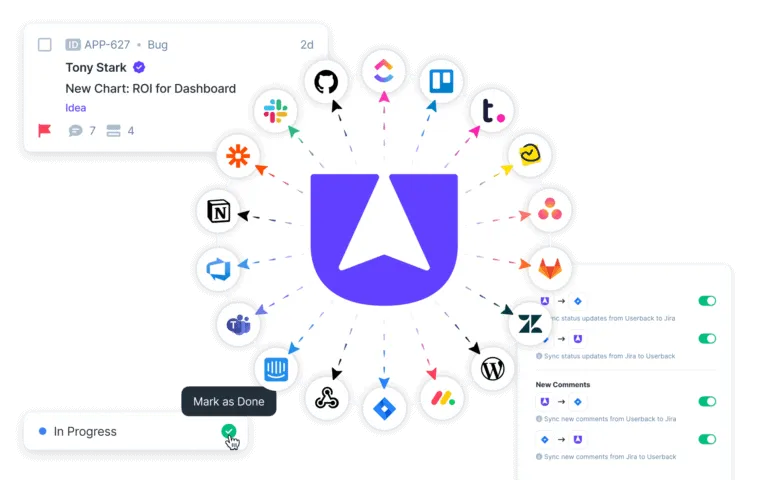
Connects AI-powered development tools to Userback via the open Model Context Protocol standard. Search and review feedback across projects using filters or natural language. Read technical diagnostics including console logs and network requests. Post comments, update feedback status and ownership, and triage work with full project and workflow context, all from within your AI tool of choice.
Key Benefit
Engineers resolve bugs faster by having full feedback context like screenshots, session replays, console logs, and user comments loaded directly into their AI coding assistant. Product managers analyze and prioritize feedback at scale using AI-powered pattern recognition. Designers turn feedback into concrete implementation plans with acceptance criteria, without leaving their workflow.
Best For
- Debugging bug reports with full context in Cursor or VS Code
- Analyzing and prioritizing feedback patterns with ChatGPT or Claude
- Building implementation plans from design feedback
- Triaging and assigning feedback across teams from AI tools
- Searching feedback by intent using semantic search
We truly appreciate how easy it is to use Userback. We were able to quickly implement it into our existing project workflow without having to change systems or greatly modify our processes. And their support is fantastic!
Frequently asked questions
Userback MCP uses the open Model Context Protocol standard to connect your AI developer tools directly to your Userback feedback data. Once connected via OAuth, your AI agent can search feedback, read details and logs, post comments, and update status all within your existing workflow.
Userback MCP works with ChatGPT, Cursor, Claude Desktop, Claude Code, VS Code, Windsurf, and OpenCode. Any tool that supports the MCP standard can connect using the Userback endpoint.
Yes. Userback MCP uses OAuth authorization and follows your existing workspace permissions. No data is exposed beyond what you already have access to. Userback is SOC 2 Type II certified and GDPR compliant.
No. Userback MCP only requires your account access and OAuth authorization in your MCP client. No changes to your widget, snippet, or existing configuration are needed.
Yes. You can create new feedback items, post comments, update status and priority, assign ownership, and move feedback through workflow states all from your AI tool.
The REST API requires custom code to build integrations. MCP provides a standardized protocol that AI tools already support natively with no custom code needed. Just connect and prompt.
Get started with Userback MCP
Connect your AI tools in minutes. No changes to your app or widget.