Visual Bug Reporting Tool for Development Teams
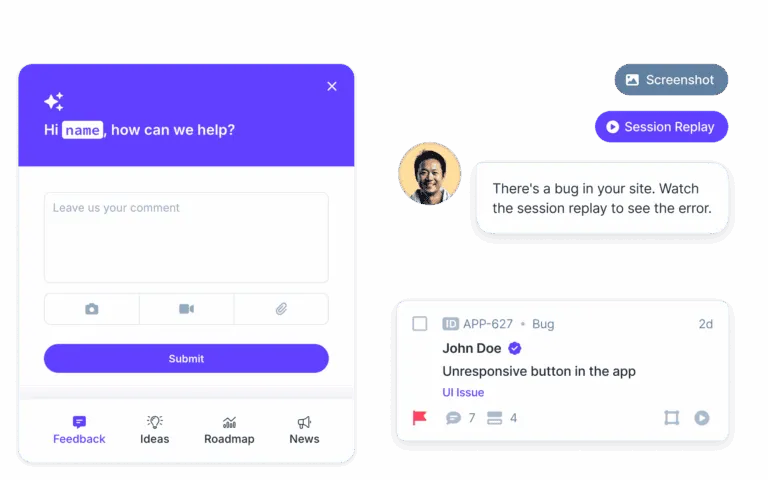
Capture the whole picture, not just the ticket. The best bug reporting tools don't just track bugs—they help you see them. Capture annotated screenshots, video recordings, and console logs automatically.
Join over 20,000 teams collecting more insights with Userback

















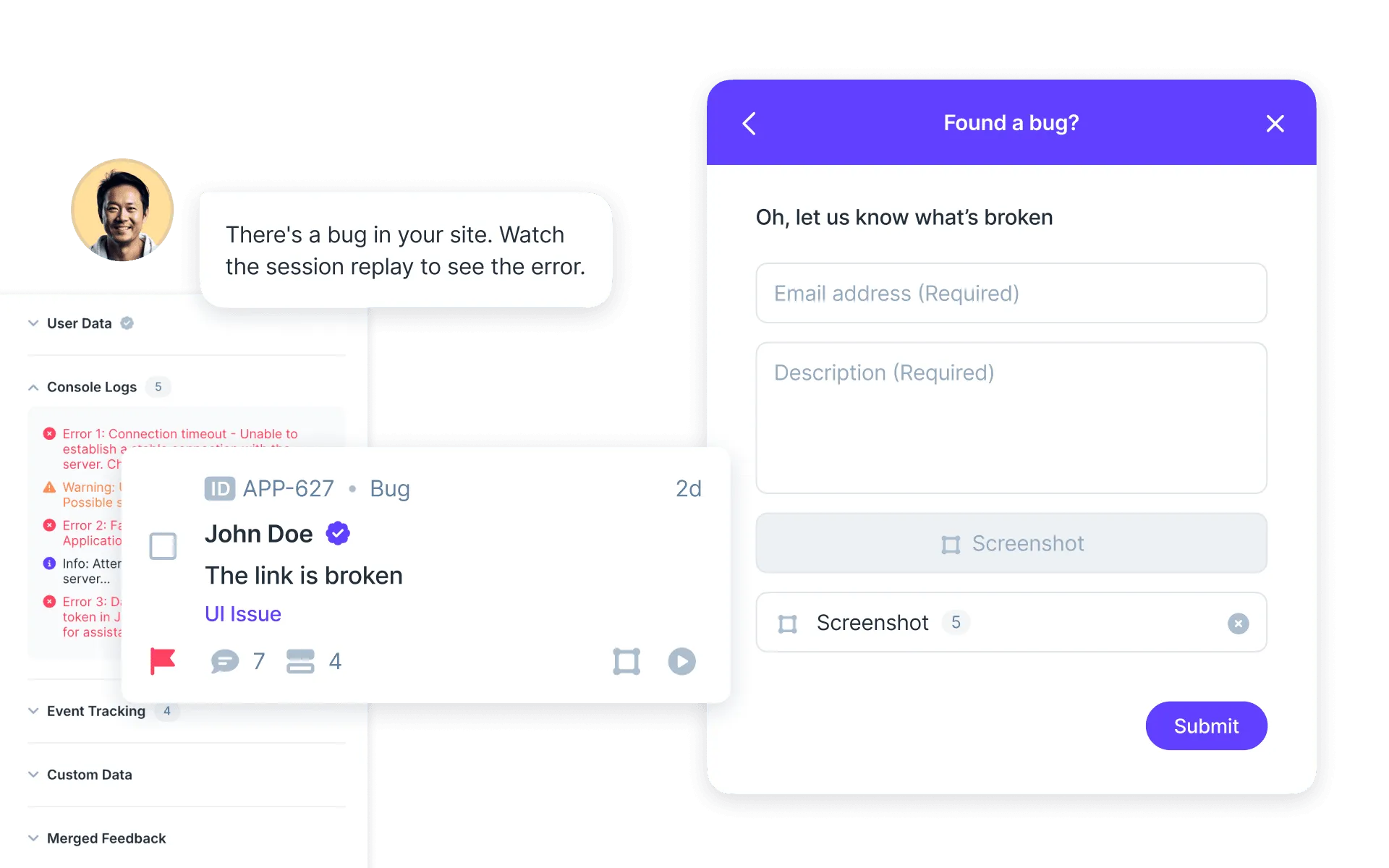
See What Your Users See
Stop guessing. Traditional bug tracking tools give you a ticket; visual bug reporting software gives you the context.
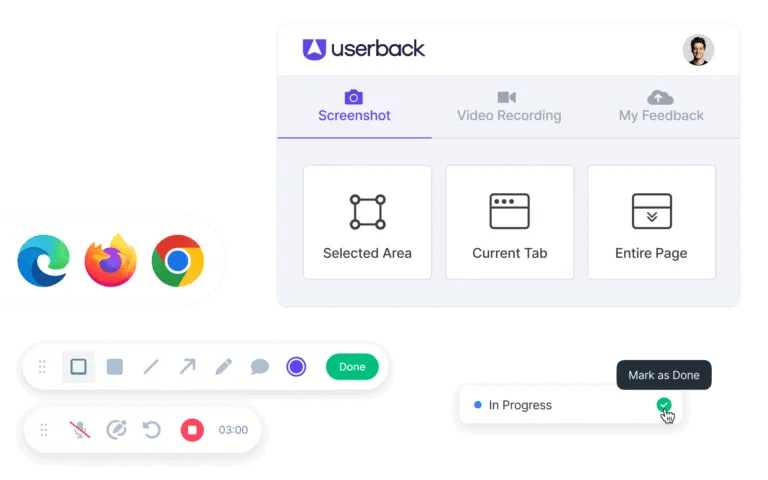
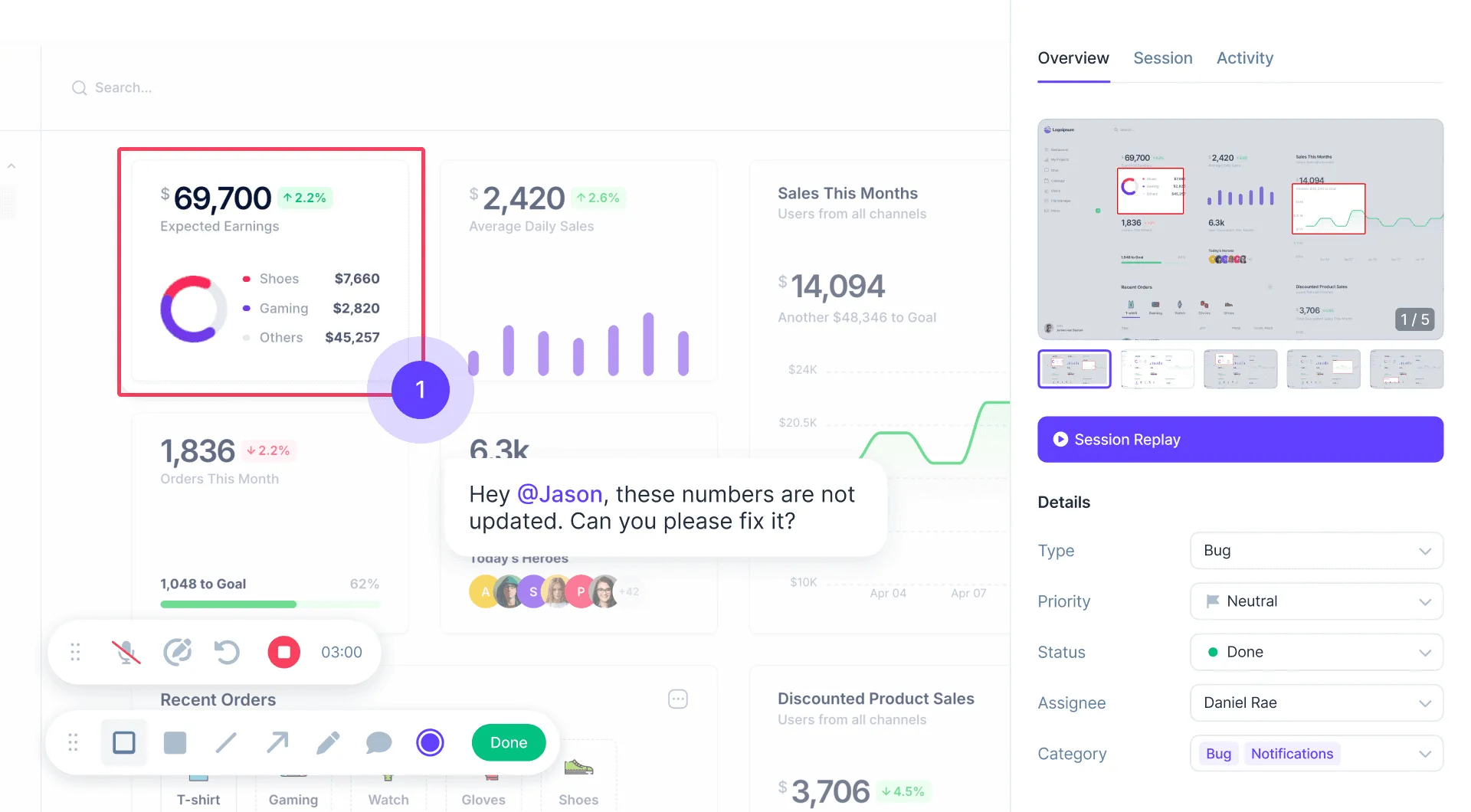
- Annotated Screenshots: Let users draw on the screen to pinpoint exactly where the issue is.
- Video & Screen Recording: Perfect for capturing complex bugs, animations, or user flows that static images can’t show.
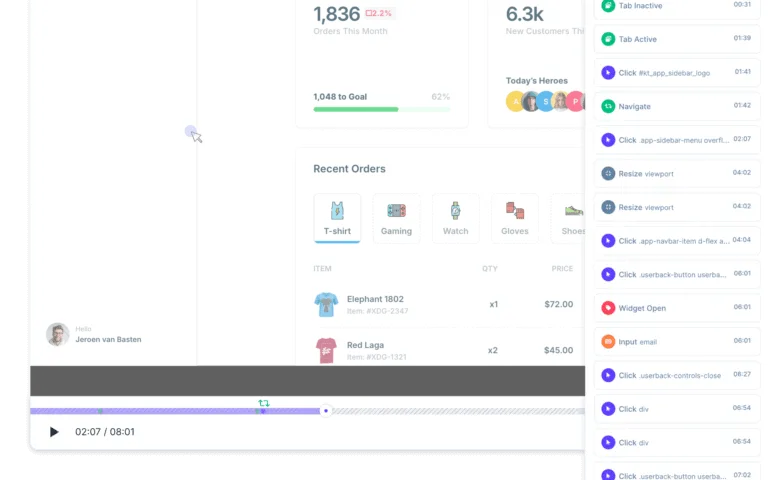
- Session Replay: Rewind and watch the user’s journey leading up to the bug.
Perfect for Agencies & Client QA
“It works on my machine” is a thing of the past.
- Client-Friendly: No installation required for your clients. They just click and report.
- Streamlined QA: Agencies can get precise feedback from clients without long email chains or spreadsheets.
- UAT & Staging: Specialized workflows for User Acceptance Testing.
Developer-Ready Context (Metadata & Logs)
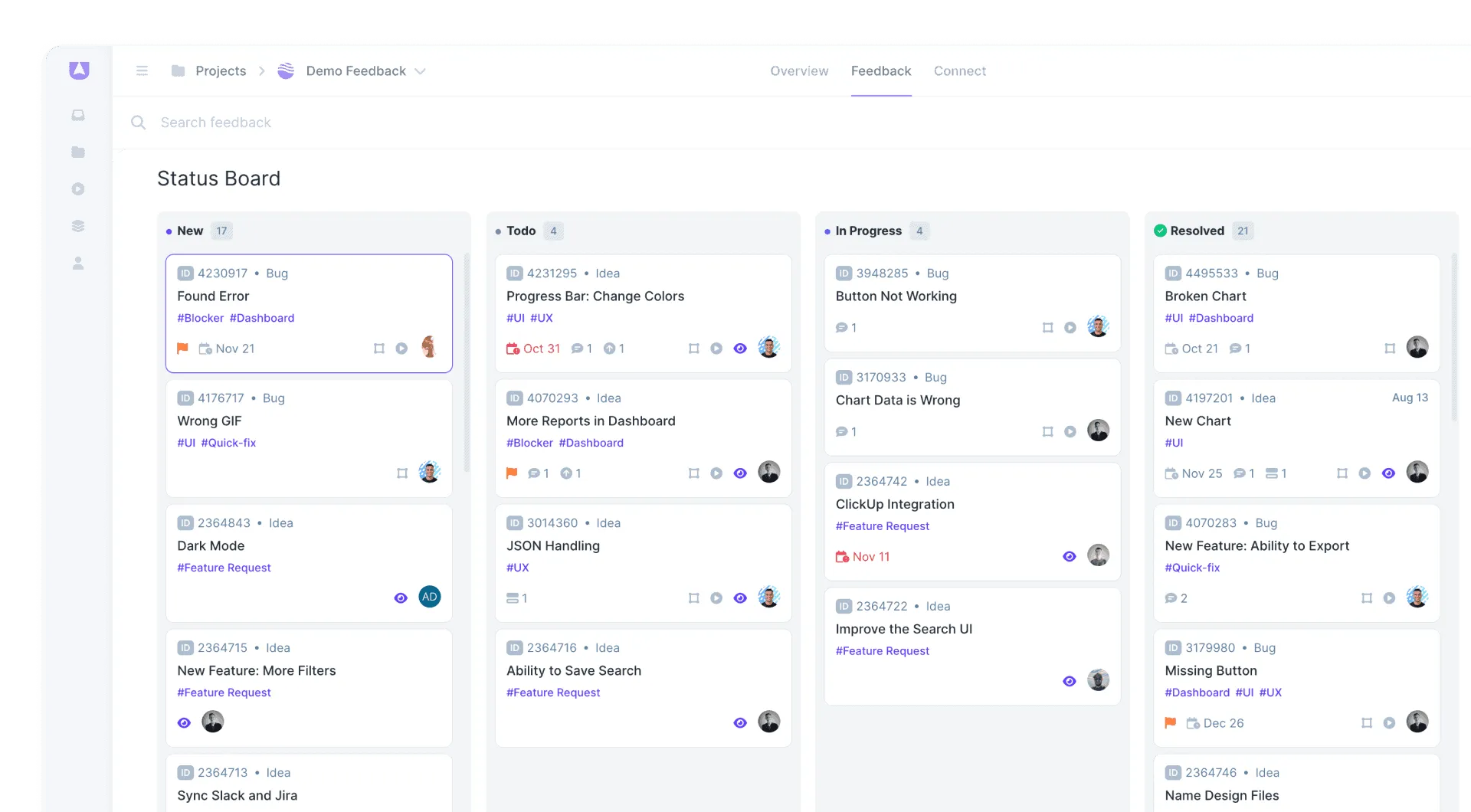
Give developers everything they need to reproduce the bug instantly.
- Console Logs: Automatically capture JavaScript errors and console logs.
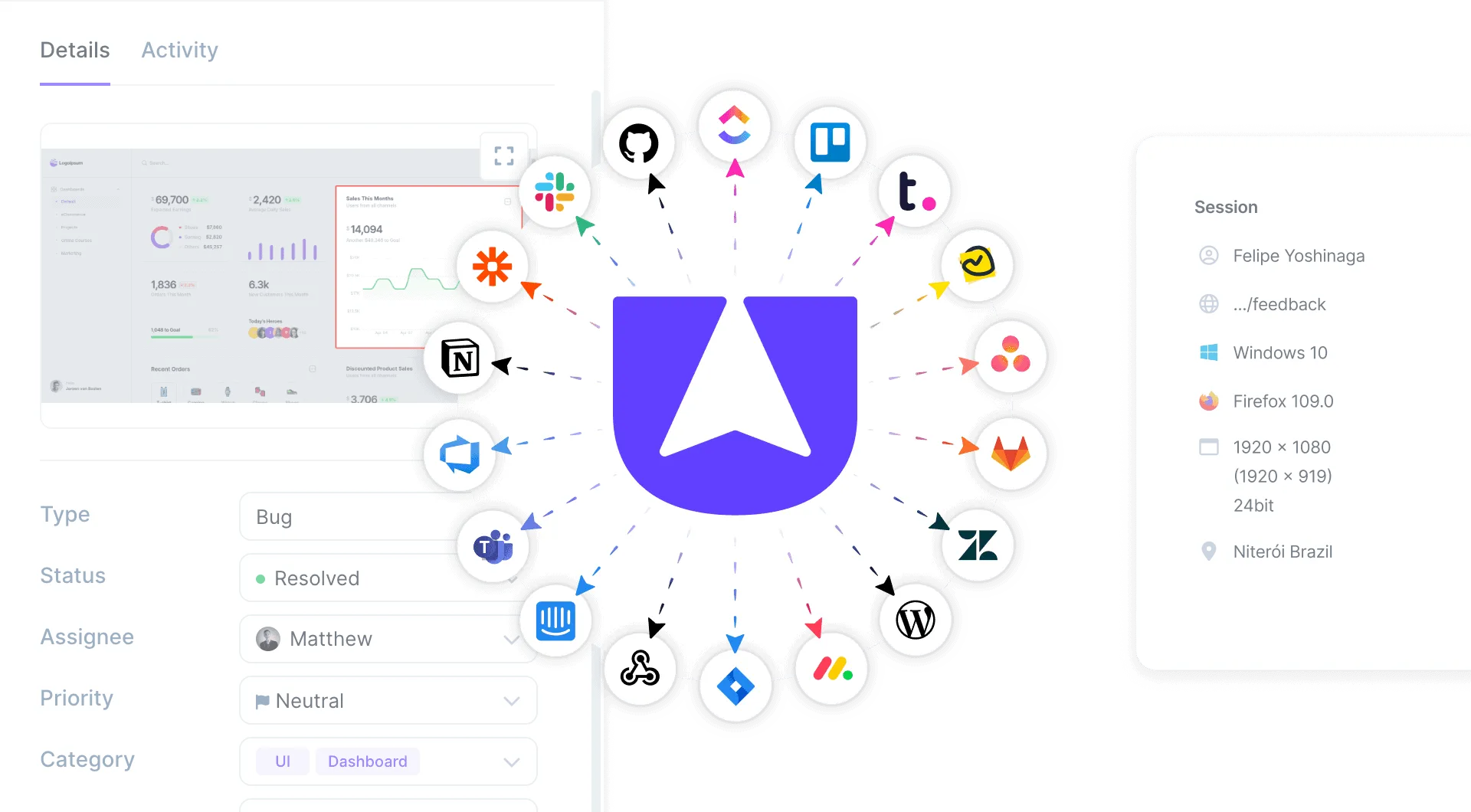
- Environment Info: OS, Browser, Screen resolution, and more captured automatically.
- Network Requests: See what happened behind the scenes.
Bug Reporting for Jira & Your Workflow
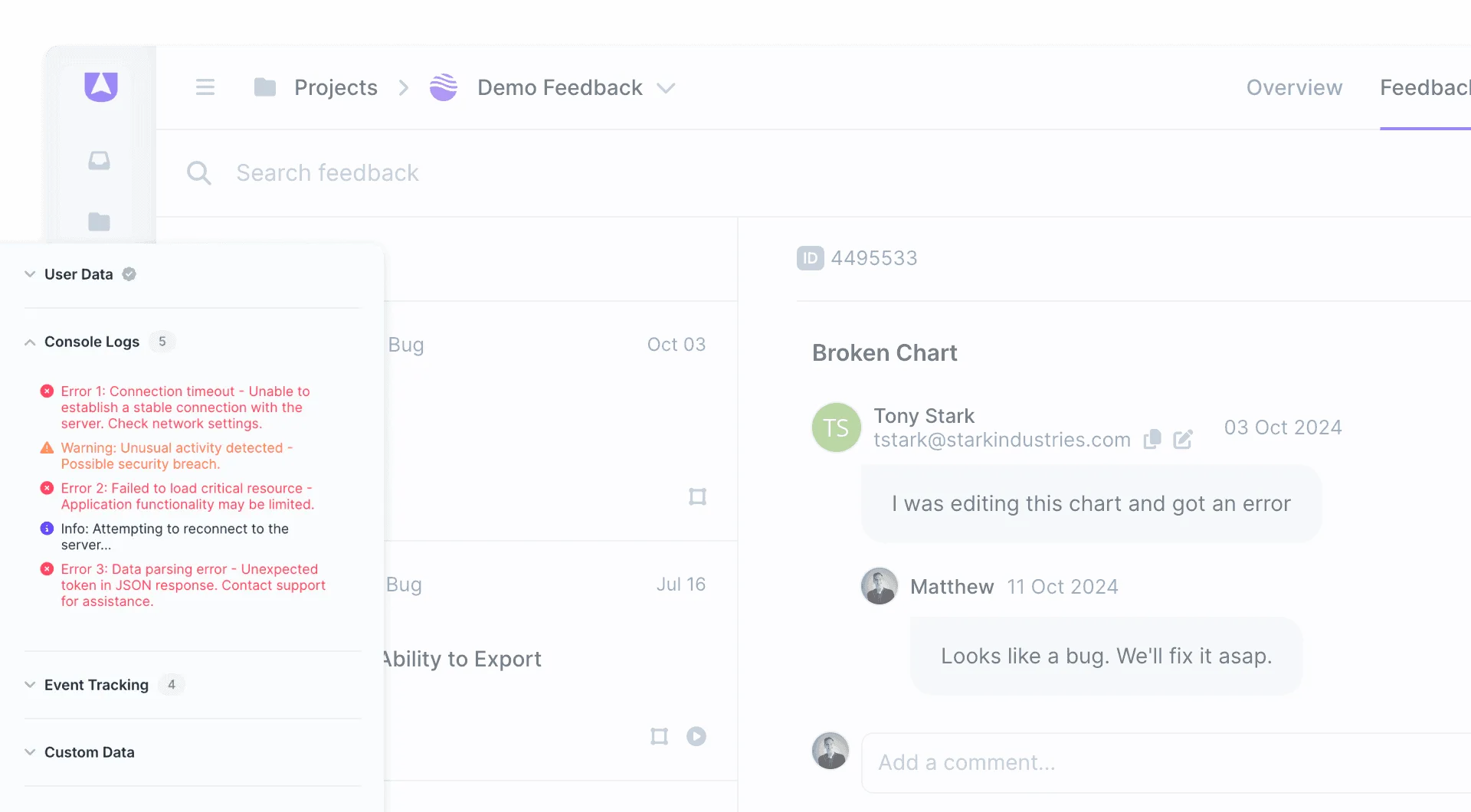
Send high-fidelity visual reports directly to where your team works.
- Bug Reporting Jira Integration: 2-way sync with Jira, GitHub, GitLab, Linear, Azure DevOps via Integrations.
- Notifications: Slack, MS Teams, Email.
- MCP Integration: Connect Userback to Claude, ChatGPT, Cursor, and other AI tools via MCP
What is Visual Bug Reporting?
Visual bug reporting is a method of capturing and communicating software issues using screenshots, video recordings, annotations, and technical metadata — rather than plain text descriptions. It bridges the gap between what users experience and what developers need to reproduce and fix the issue.
The Problem
Traditional bug reports lack context. "The button doesn't work" becomes a guessing game for developers. Teams waste time chasing vague descriptions through email chains and spreadsheets. Non-technical users can't provide console logs or environment details, leading to back-and-forth communication and delayed fixes.
The Solution
Visual bug reporting captures annotated screenshots, video recordings, and console logs automatically with every submission. Users click and report — no installation required. Developers get browser info, screen resolution, and network requests instantly. Direct 2-way sync with Jira, GitHub, GitLab, and Linear means reports flow straight into your existing workflow.
Best For
- Agency client QA and feedback workflows
- UAT and staging site testing
- Capturing complex bugs with video recordings
- Non-technical users submitting detailed reports
- Teams using Jira or GitHub for bug tracking
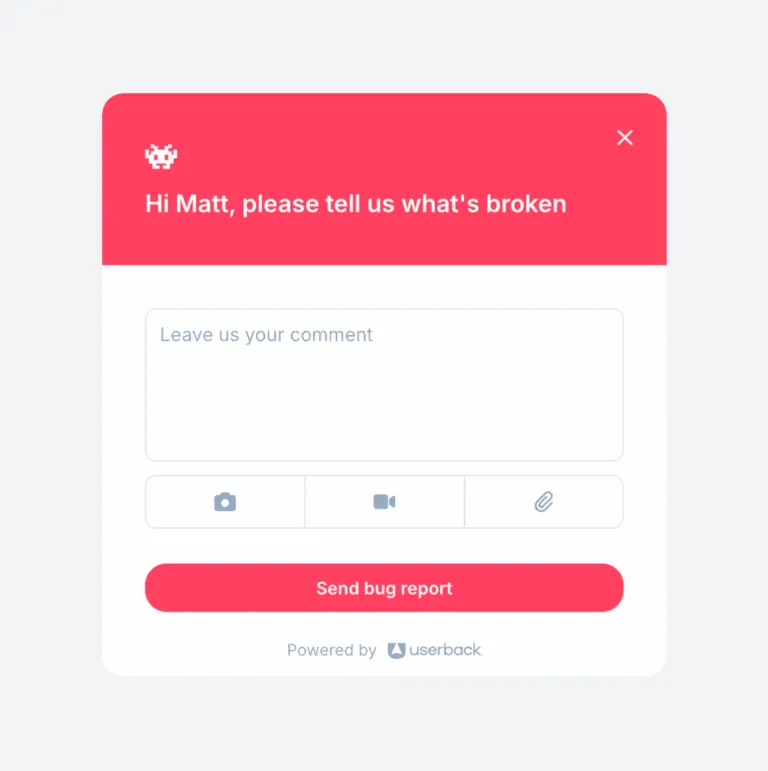
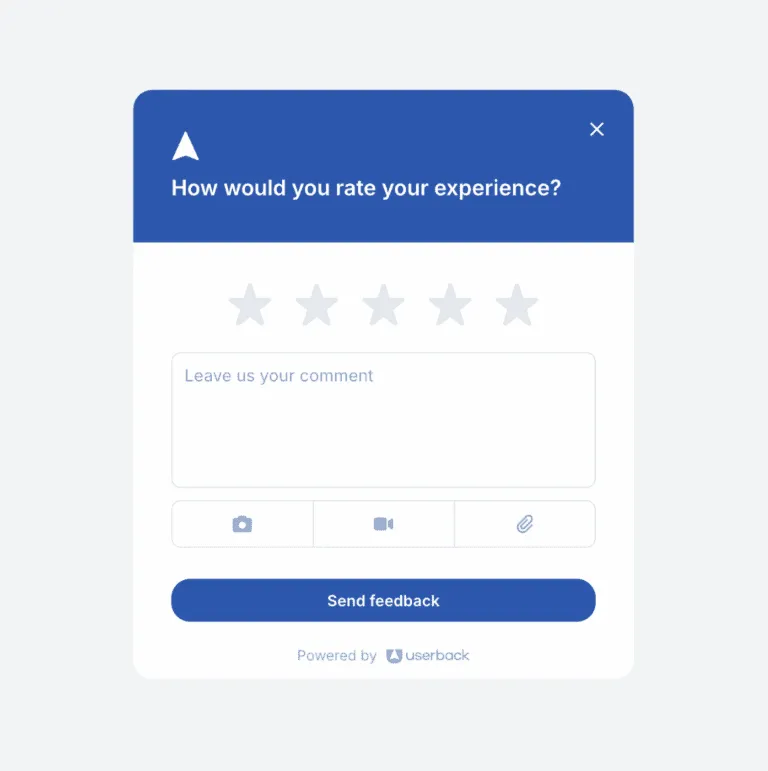
Popular Bug Reporting Templates

Userback has reduced the need for confusing back and forth conversations with clients trying to reproduce situations, so developers can fix issues faster.

Frequently asked questions
Bug reporting is the process of documenting and communicating software defects so developers can understand, reproduce, and fix them. Effective bug reports include steps to reproduce, expected vs. actual behavior, and technical context like console logs and environment info.
Standard tracking (like Jira) is great for managing work, but often lacks the context needed to fix it. Visual reporting sits upstream, capturing the rich data (visuals, logs) and sending it into your tracking system.
Yes. Userback automatically captures console logs, network errors, and browser info in the background when a report is submitted, so non-technical clients don’t need to know how to open developer tools.
Absolutely. It’s a game changer for agency workflows. It simplifies how you collect feedback from clients on staging sites or live projects, preventing vague emails like ‘the button doesn’t work’.
Bug reporting focuses on capturing the issue with enough context (visuals, logs, metadata). Bug tracking focuses on managing the issue through its lifecycle (assignment, status, resolution). Visual bug reporting tools enhance the quality of what goes into your tracking system. See also: Bug Tracking.
The best bug reporting tools capture visual context (screenshots, video), technical metadata (console logs, environment), and integrate with your existing workflow (Jira, GitHub, Slack). Look for tools that make it easy for non-technical users to submit high-quality reports.
Ready to capture high-fidelity bug reports?
Start by harnessing the power of Userback's visual bug reporting tools.