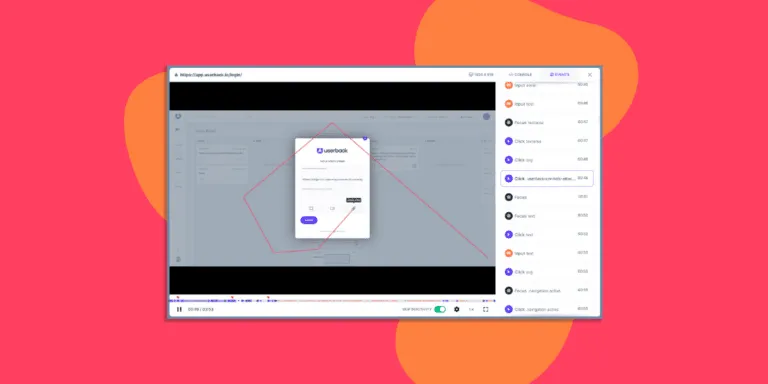
Session replay: see what they saw
The recording and console log sit on the report. Watch the bug, skip the questions.
Join over 20,000 product teams building better with Userback and session replay

















Understand what AND why.
Add context to any survey or feedback response and dive into the linked session to see exactly what happened.
Interactions to resolve
Feedback management time
Enhance user feedback with session replays
Resolve issues faster
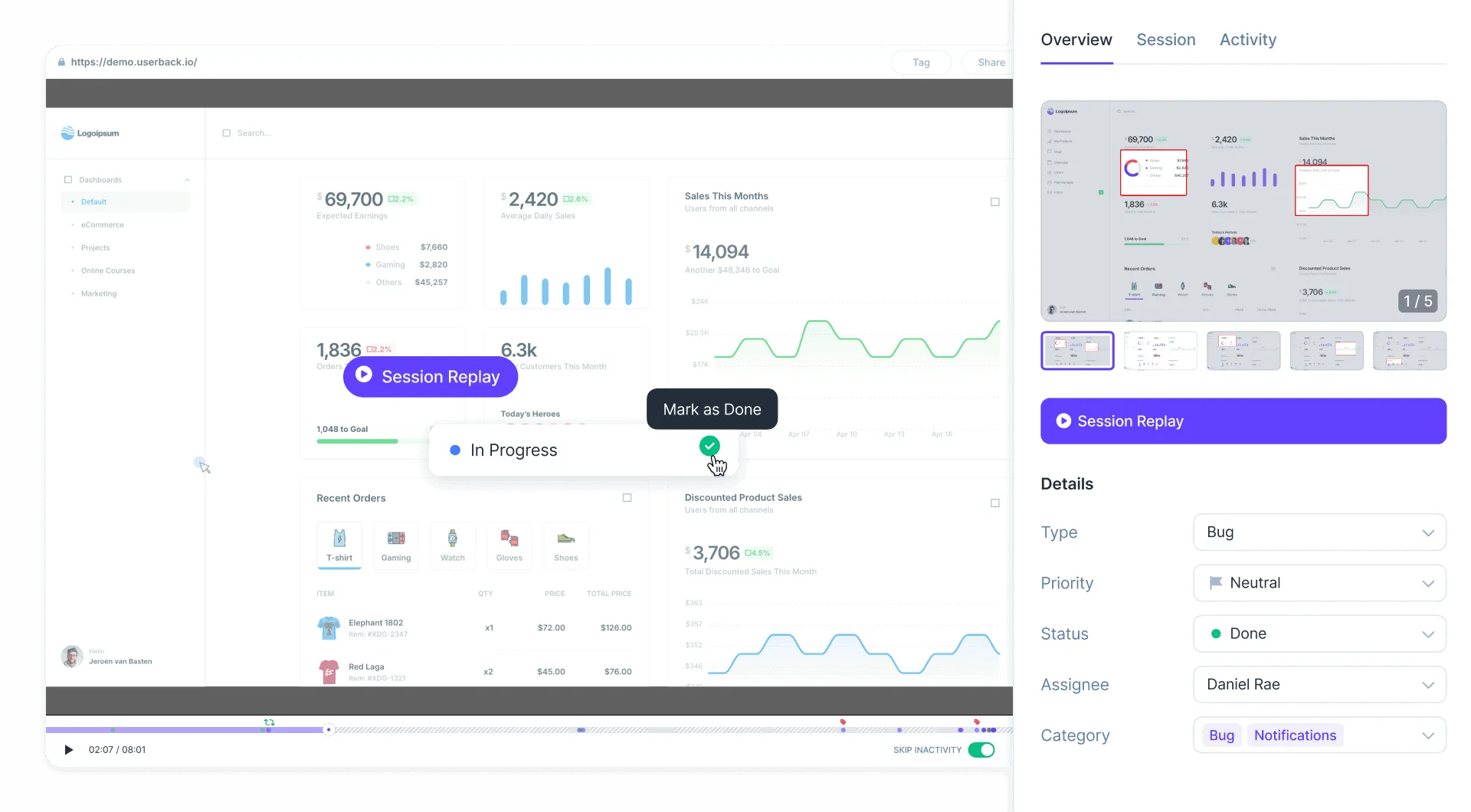
Pair session replays with feedback for a complete understanding of user issues, enabling faster and more accurate resolutions.
- Watch session replays alongside user feedback and surveys.
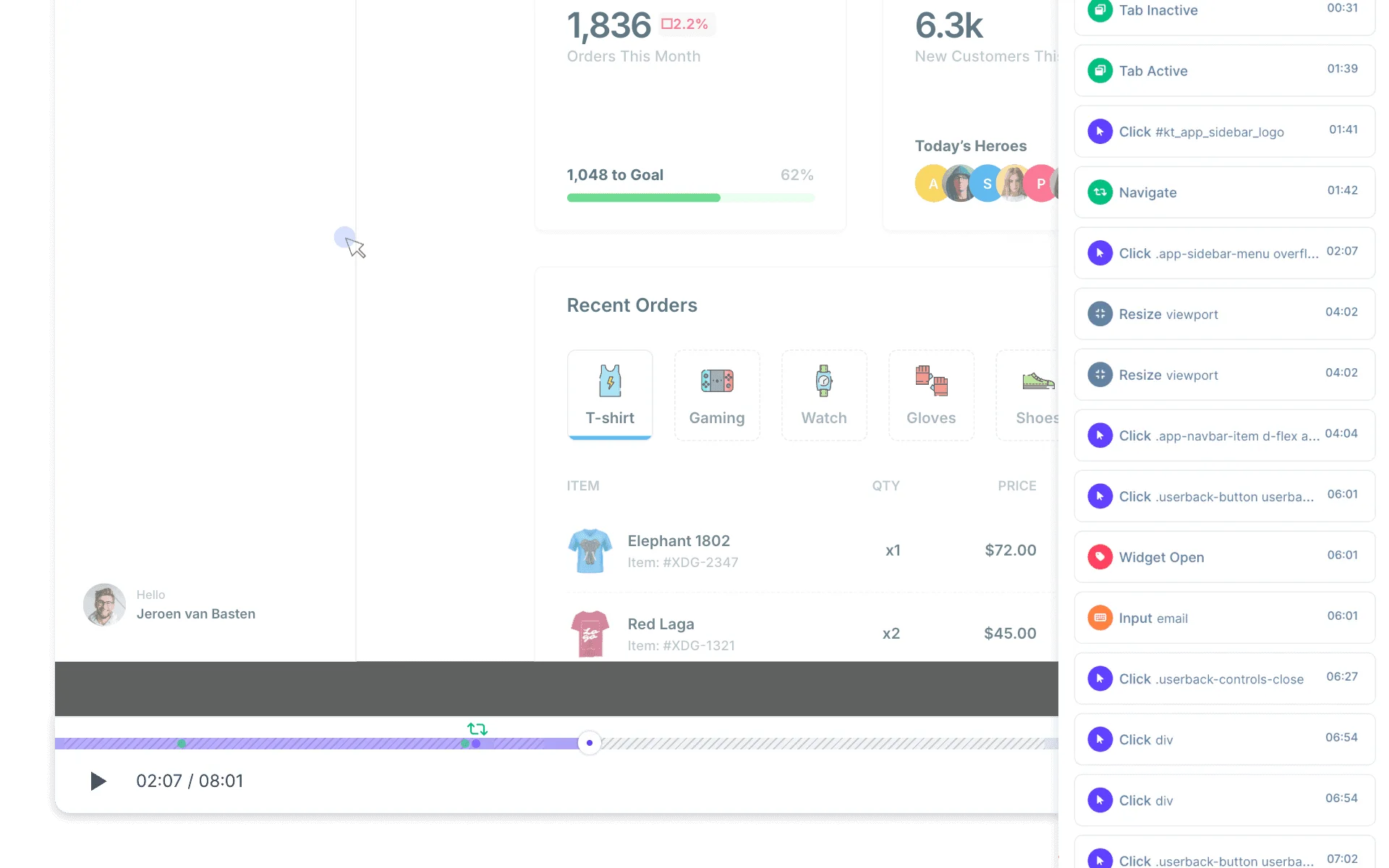
Watch real-time user interactions
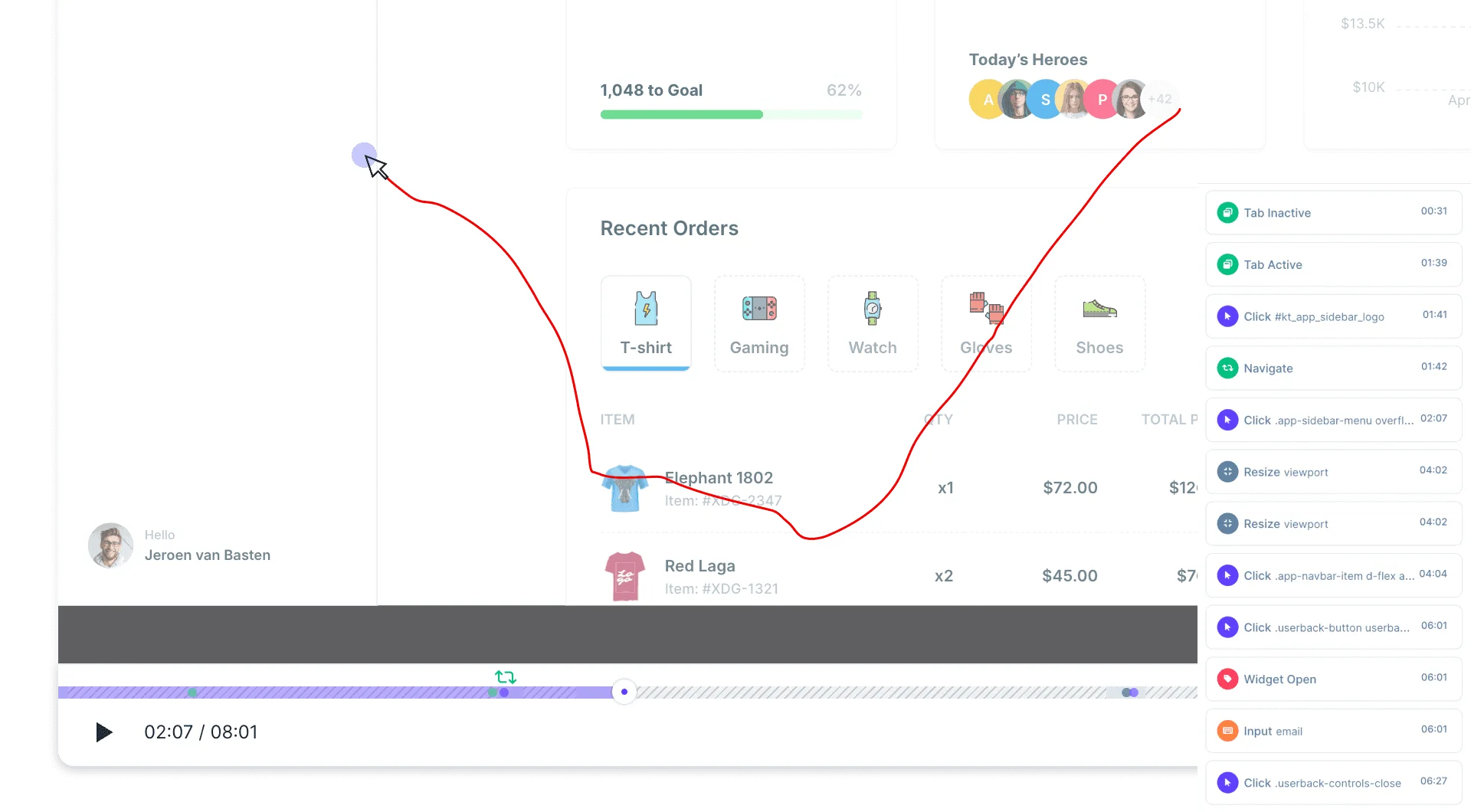
Follow mouse movements, and see clicks, focus, resize, rage clicks, text inputs and more. So you can nail the cause of any issue.
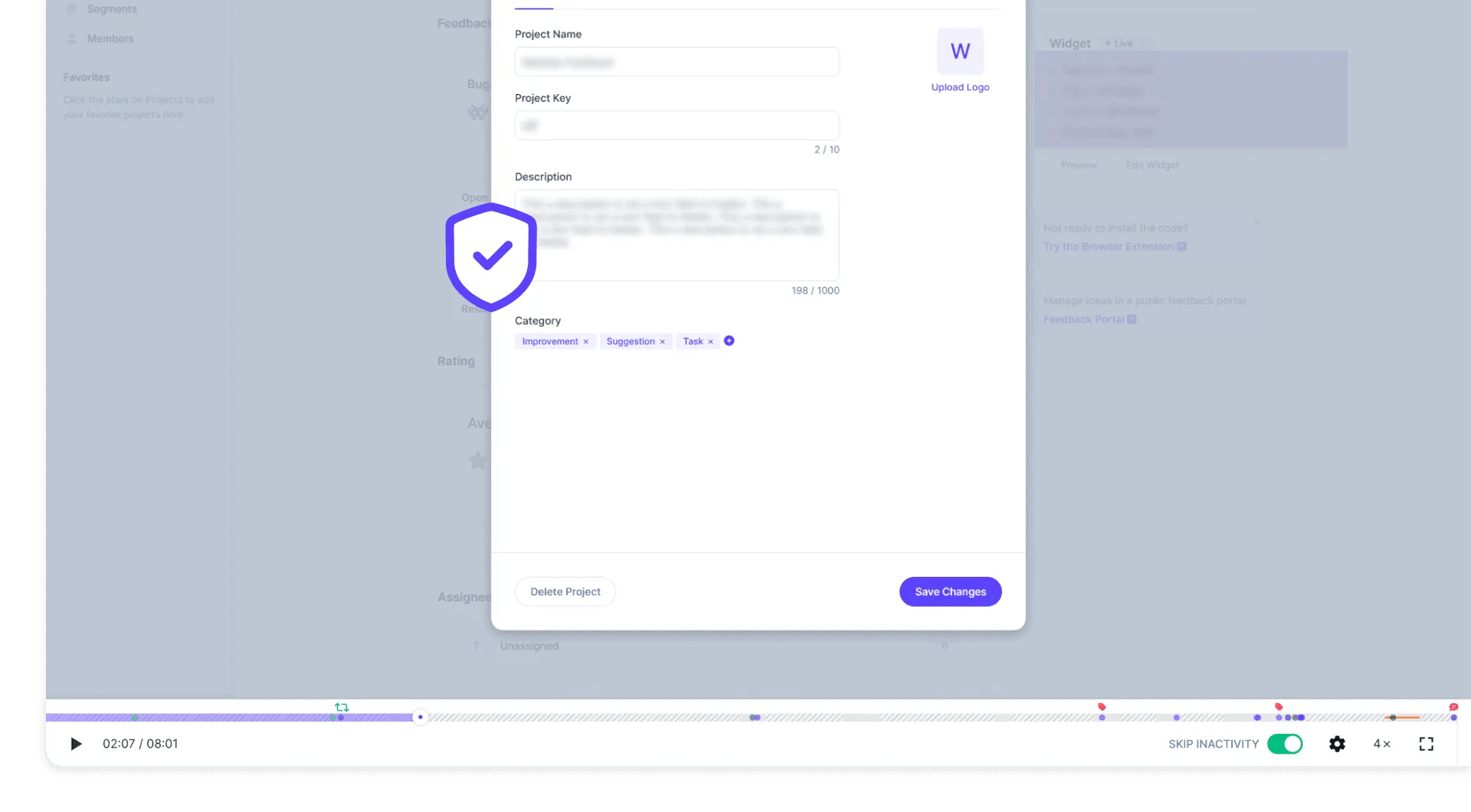
Protect sensitive information
Safeguard user privacy by automatically masking sensitive information, ensuring compliance with data protection laws.
What is Session Replay?
Session Replay is a user behavior analysis tool that records and plays back user interactions on websites and applications. It captures mouse movements, clicks, scrolling behavior, and form inputs, allowing Product Managers and UX teams to watch playback sessions as if they were the user. Combined with feedback collection, it eliminates back-and-forth communication about reproducing issues by providing complete visual context.
What It Does
Records complete user sessions including mouse movements, clicks, scrolling, and form inputs. Captures console logs, network activity, and DOM events for technical debugging. Detects rage clicks to identify frustration points. Integrates with feedback collection to provide visual context alongside user-reported issues.
Key Benefit
Teams identify and resolve UX issues faster by watching exactly how users interact with their product. Unlike standalone session replay tools, Userback combines recordings with integrated feedback collection, allowing teams to not only watch sessions but also collect specific feedback at critical moments identified during replay analysis.
Best For
- Debugging user-reported bugs with visual context
- Analyzing user behavior patterns in web applications
- Identifying UX friction points and rage clicks
- Understanding complex user workflows
- QA teams validating user-reported issues
Frequently asked questions
Session Replay is a tool that records user interactions on a website or application, allowing you to watch playback sessions as if you were the user. It captures mouse movements, clicks, scrolling behavior, and form inputs. This data helps product teams and UX designers analyze user behavior, identify issues, and improve the overall user experience.
Session Replay is crucial for enhancing user experience because it provides insights into how users interact with your product. By observing real user sessions, you can pinpoint usability issues, understand user pain points, and gather feedback on features. This data-driven approach enables you to make informed decisions, optimize workflows, and ultimately increase user satisfaction and retention.
Implementing Session Replay on your website or app is straightforward with tools like Userback. You simply need to add a small snippet of code to your site, which will enable session recording. Once set up, you can access recorded sessions through your dashboard, allowing you to analyze user interactions and gain valuable insights into user behavior.
Get started with Userback today!
Start collecting feedback right away, and understand issues faster with session replays.