


Video feedback for bugs and ideas that are hard to explain
Users record and talk it through. Userback transcribes it, so you can read it first.
Join over 20,000 product teams building better with Userback and video feedback

















Some problems are easier to show than to type.
Accelerate the resolution of issues by giving developers and product teams the context they need with annotated video feedback.
Feedback management time
Issue investigation time
Turn user experiences into actionable insights with video feedback
See exactly what users experience
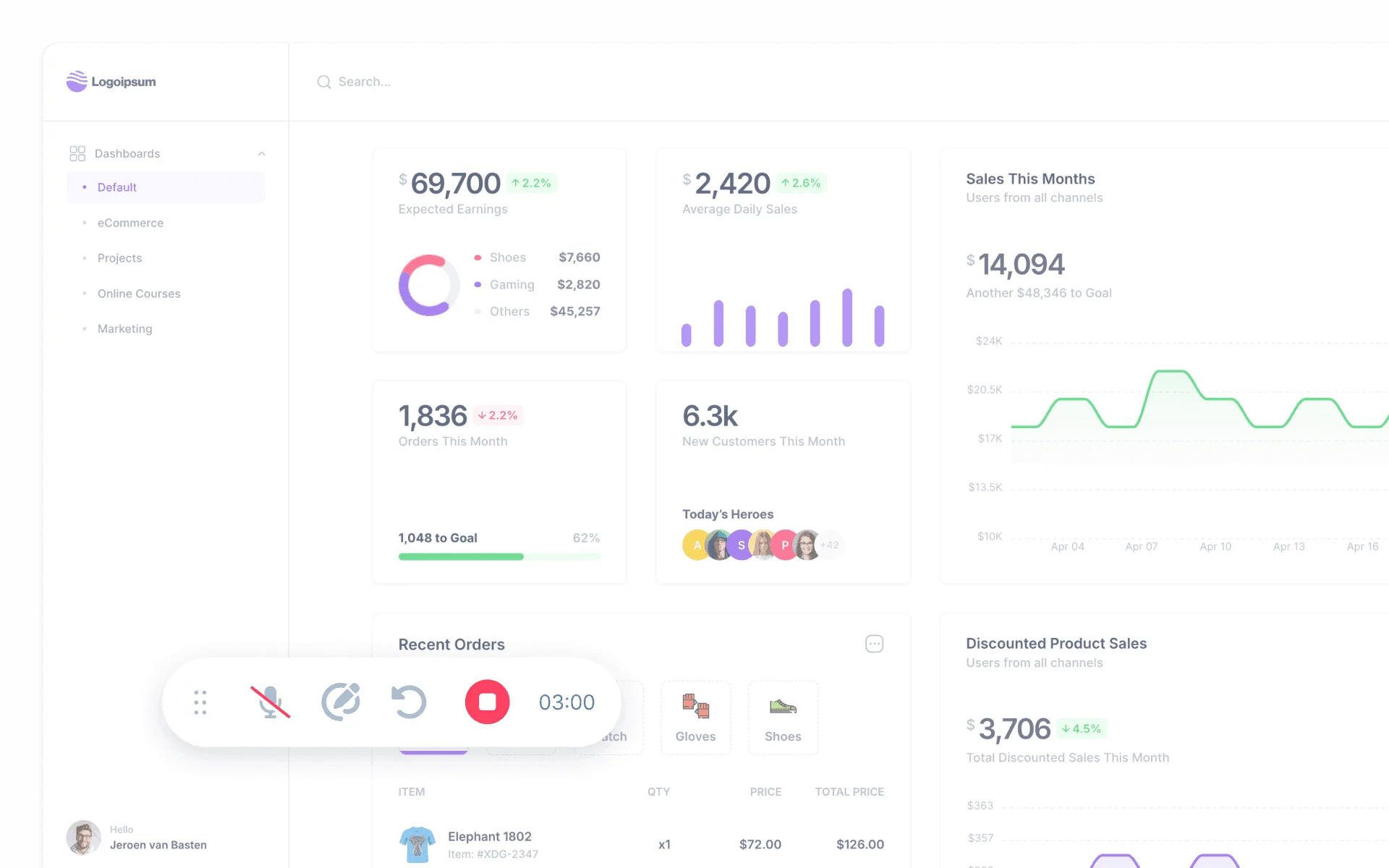
With Userback’s video feedback feature, users can easily record their screens and narrate their experience. This provides you with a complete understanding of the problem, eliminating the guesswork and making it easier to resolve issues.
- Every video gets an AI-generated title so you know what it’s about at a glance.
- Perfect for reporting bugs and conducting UAT.
Manage video feedback efficiently
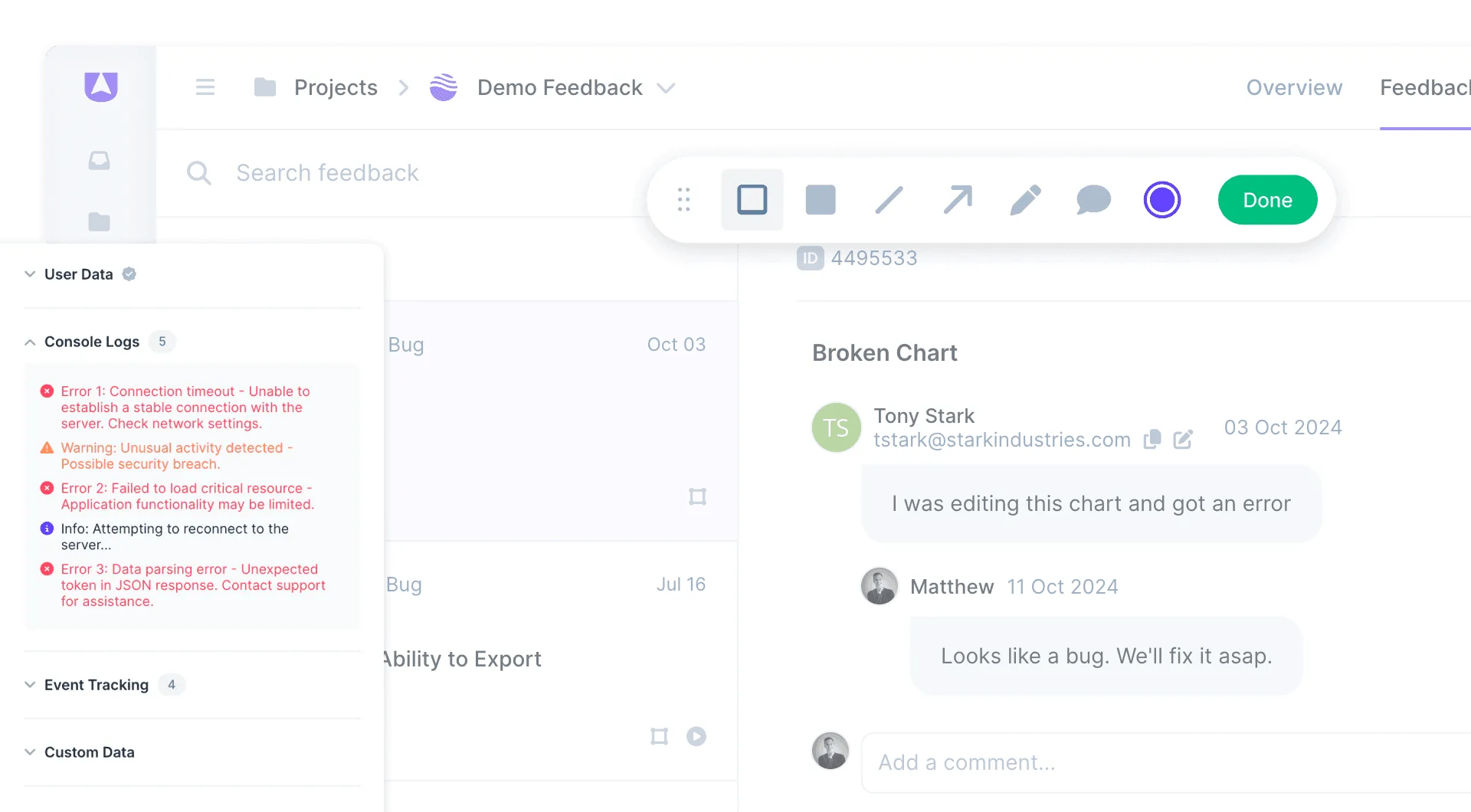
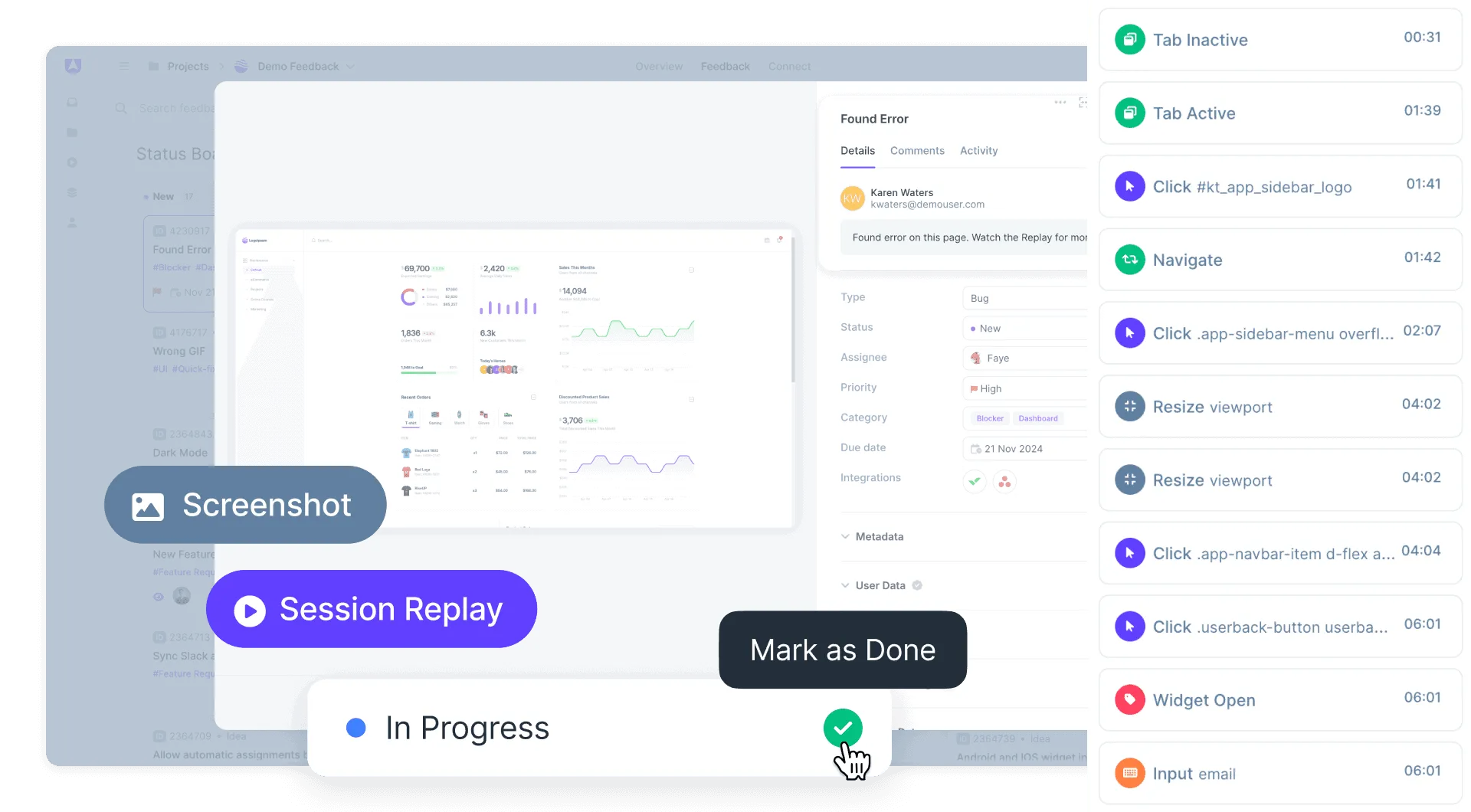
All video feedback is automatically integrated into Userback, allowing you to track, review, and act on video submissions seamlessly.
- Recordings are automatically transcribed so your team can read feedback without pressing play.
- Bookmark key areas in the video timeline for later reference.
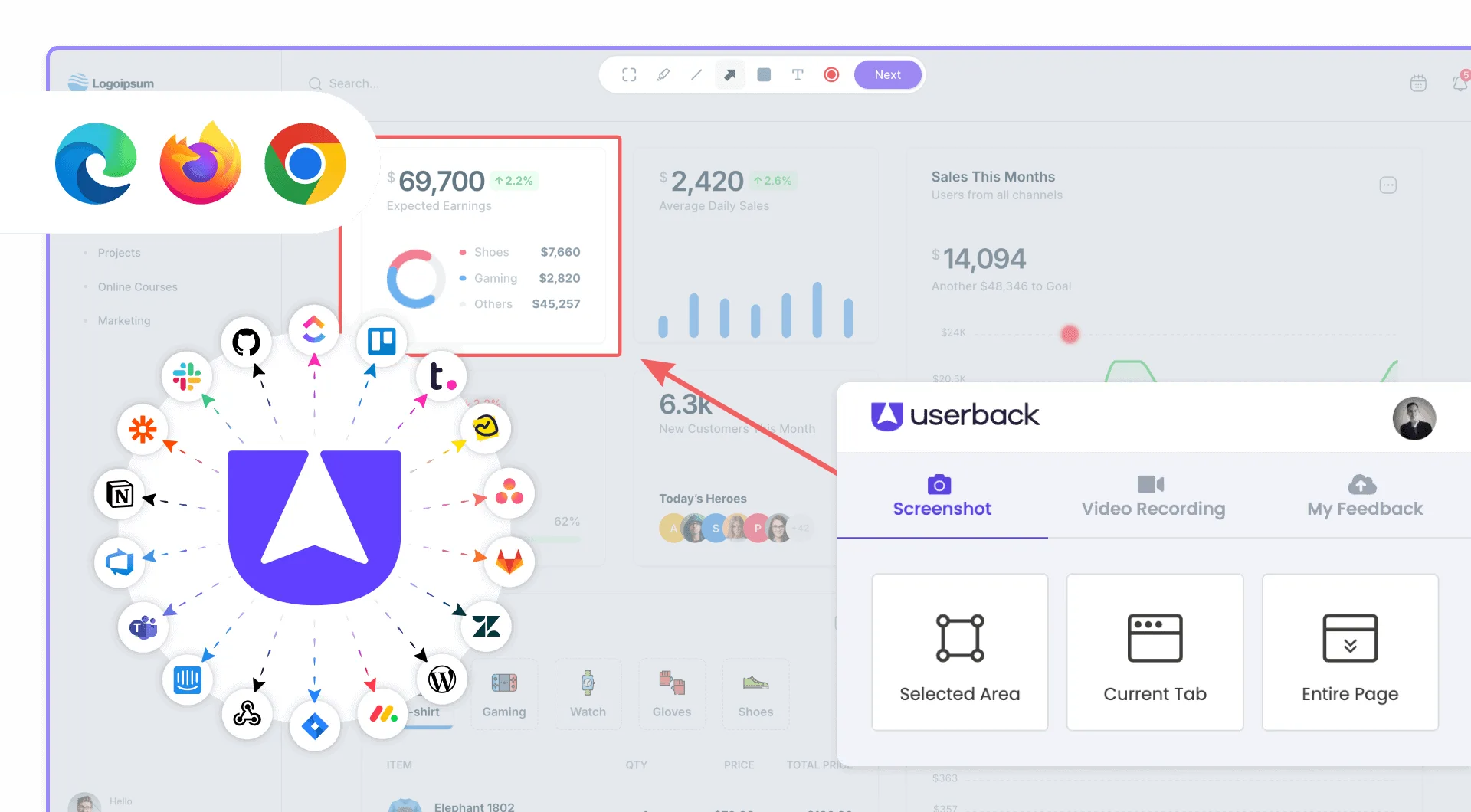
- Sync video feedback with your connected integrations.
No installation required
Users can start recording and submit their feedback without needing to download additional software. The video feedback tool works directly in their browser, making it simple and accessible.
What is Video Feedback?
Video Feedback is a screen recording feature that enables users to capture and narrate their experience directly within websites and applications. Users record their screen while explaining issues or suggestions verbally, providing complete visual and audio context. Teams receive recordings with automatic metadata including console logs and browser details.
What It Does
Enables users to record their screen directly in the browser without installing software. Captures voice narration so users can explain issues while demonstrating them. Automatically collects console logs, browser details, and system information with each recording. Sends recordings directly to the feedback management dashboard for team review.
Key Benefit
Teams understand issues immediately because they see and hear exactly what users experienced. Video recordings eliminate miscommunication about bugs and provide undeniable documentation. Complex issues that are hard to describe in text become clear in seconds of video.
Best For
- Documenting complex bugs that are hard to describe in text
- Users explaining their workflow and pain points
- QA teams recording reproduction steps
- Capturing intermittent issues as they happen
- Customer success collecting detailed user feedback
Get started with Userback today!
Start collecting feedback right away, with a quick and easy set-up.