

Userback MCP
Connect your AI coding assistant to Userback via the Model Context Protocol. Give Cursor, Claude Code, ChatGPT, and other MCP-compatible tools full context on user feedback, bug reports, and session data so engineers resolve issues without leaving their editor.











Work smarter with the Userback MCP Integration
1. Easy to setup
Effortlessly connect Userback with your AI coding assistant through MCP.
2. Next-gen tools
Powerful user feedback tools, purpose-built for modern software teams.
3. Built for teams
Centralize feedback and work faster across your development and customer teams.
How the Userback MCP works
Your AI tool sees every bug report, screenshot, and session detail
The Userback MCP exposes feedback items, screenshots, console logs, and session replays to AI coding tools through the open Model Context Protocol. Engineers stay in Cursor or Claude Code and still work with full reproduction context.
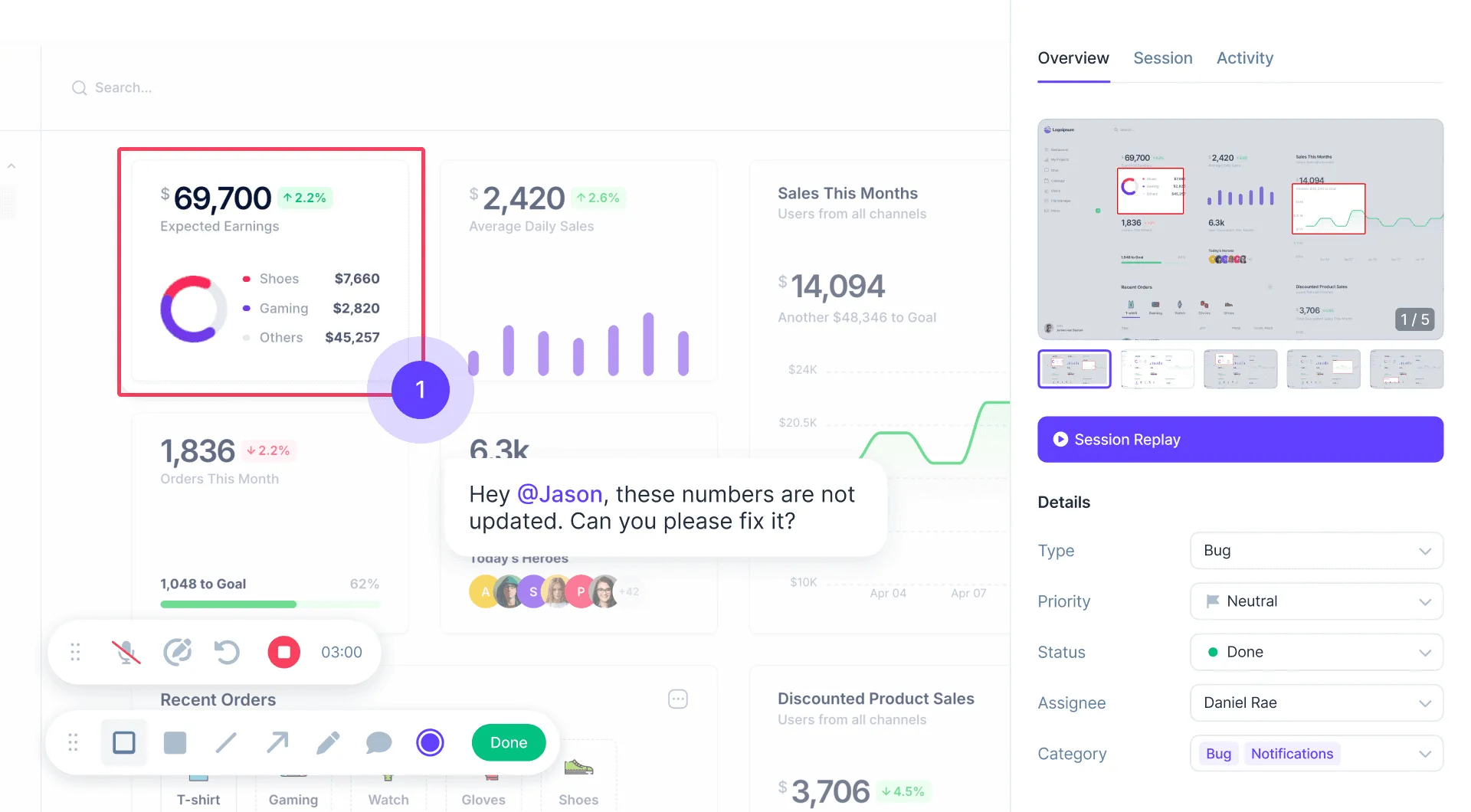
Close the loop between user feedback and code
Fetch, triage, and resolve user-reported issues directly from your AI assistant. No switching tools, no copy-pasting context. Works with Cursor, Claude Code, ChatGPT, and any MCP-compatible client.
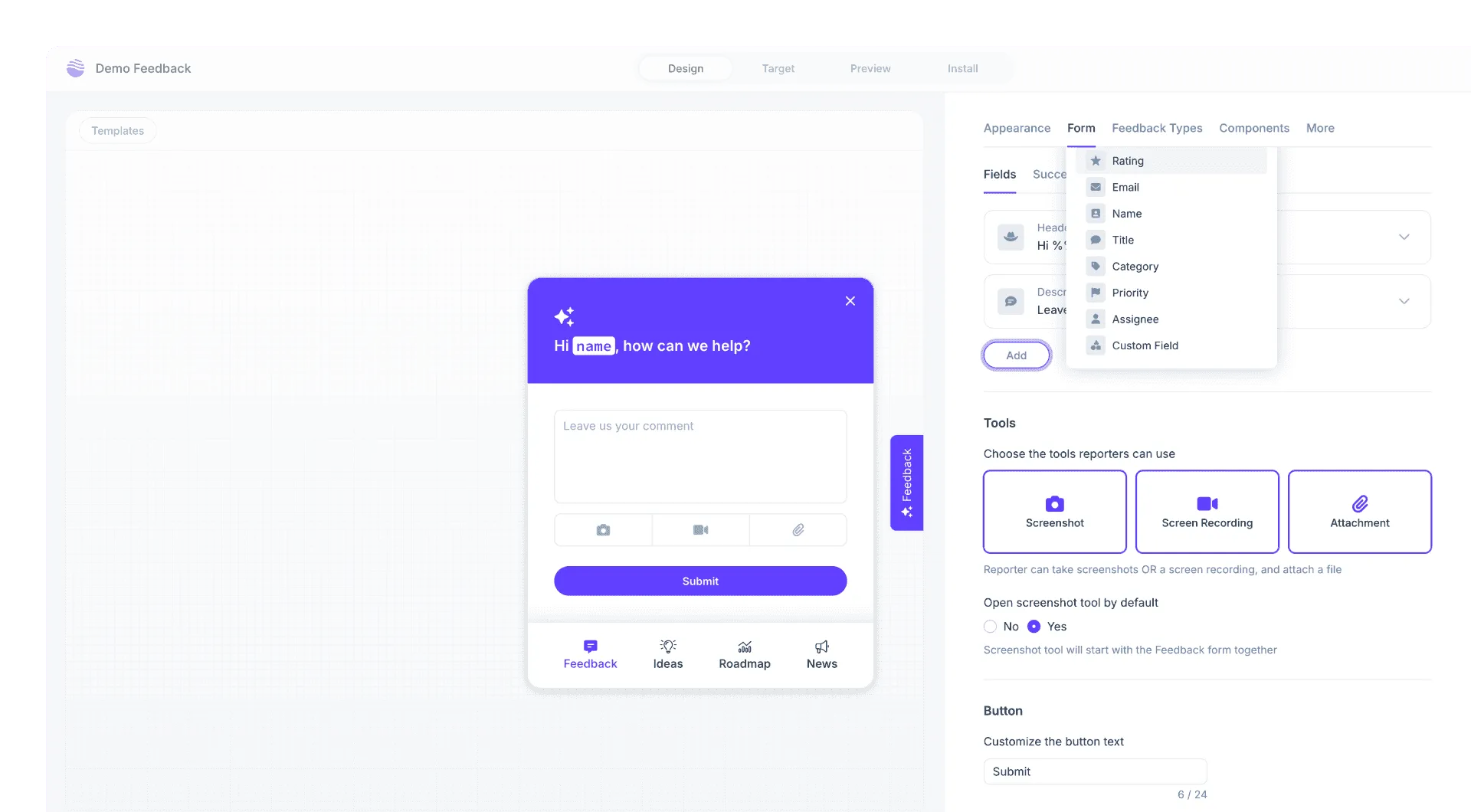
Userback is your all-in-one user feedback platform
Everything you need to quickly understand user feedback, so you can resolve issues and ship improvements faster.
-
Feedback Widget
Learn more →Effortlessly gather bug reports, feature requests, and general feedback directly from your users. The customizable feedback widget adapts to your needs, allowing for multiple feedback types in one place.
-
Session Replay
Learn more →See exactly what users experienced clicks, scrolls, console errors replayed frame by frame, so you can reproduce any issue in seconds.
-
Automation
Learn more →Auto-route feedback to the right person or tool, skip manual triage, and keep engineers focused on code instead of context-switching.
We used to spend 2-3 hours every week reviewing customer feedback and trying to work out what to do with it. Now with Userback it takes less than 10 minutes. It fits perfectly into our workflow!

Get started with Userback today!
Start collecting feedback right away, with a quick and easy set-up.