


In-app user surveys that ask at the moment it happens
Trigger a survey when someone rage-clicks, finishes a task or hits an event you define, and read the answer next to the session, the user and everything they've told you before.
Join over 20,000 teams collecting more insights with Userback and user surveys

















Ask the right people, at the right moment
Email surveys arrive days later and get answered by whoever still remembers. In-app surveys reach people while they’re using the product: on the page, after the action, in context.
Survey response rate (up to)
Question types
Ask when something just happened
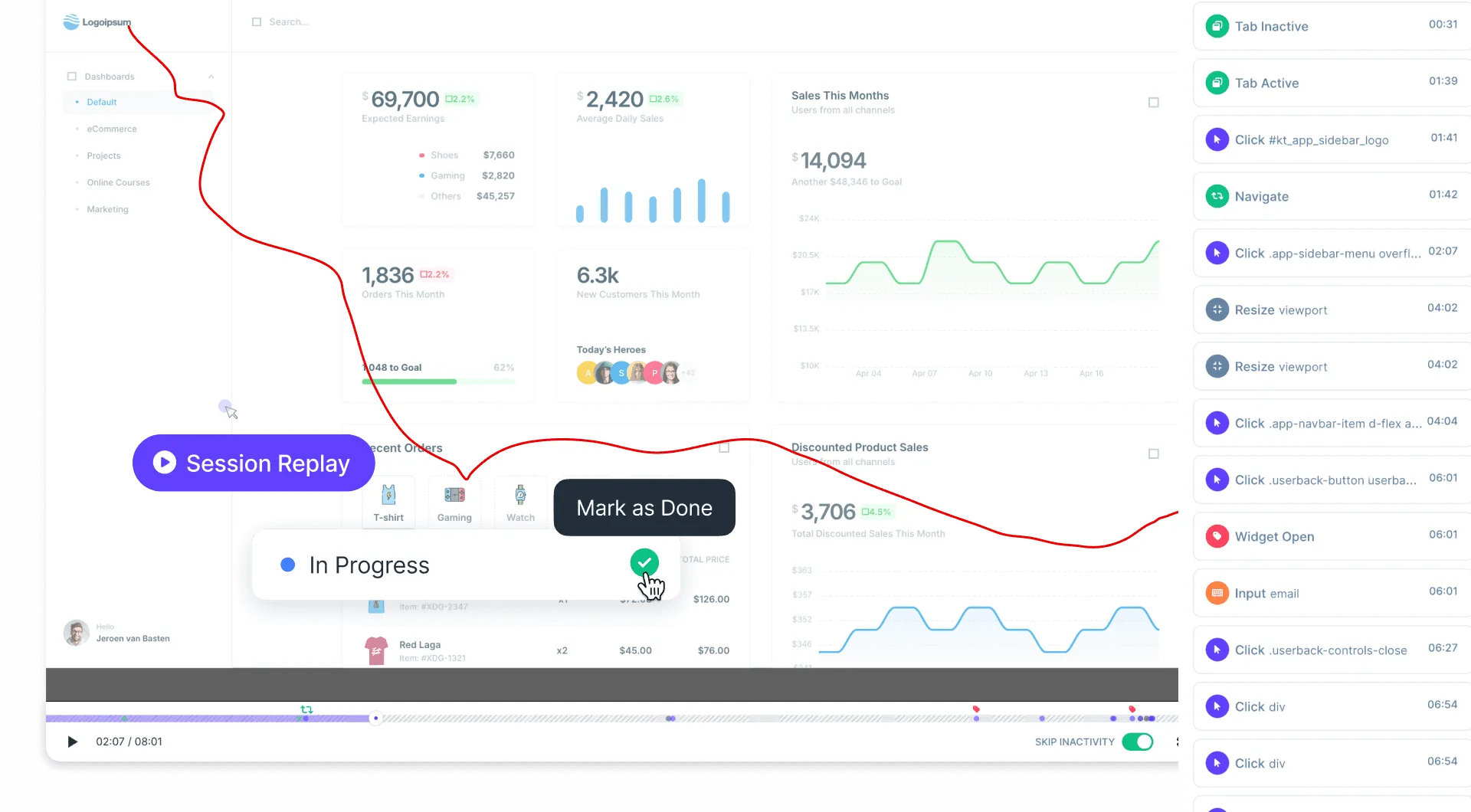
Show a survey after a set time, when someone clicks a specific element, on a rage click, or on a custom event your app sends. Developers can open any survey from code with the JavaScript SDK.
- Example: a user rage-clicks on the export button, and a one-question survey asks what they were trying to do.
- Show it once, or pause after a response and ask again after a set number of days.
Ask only the people it's meant for
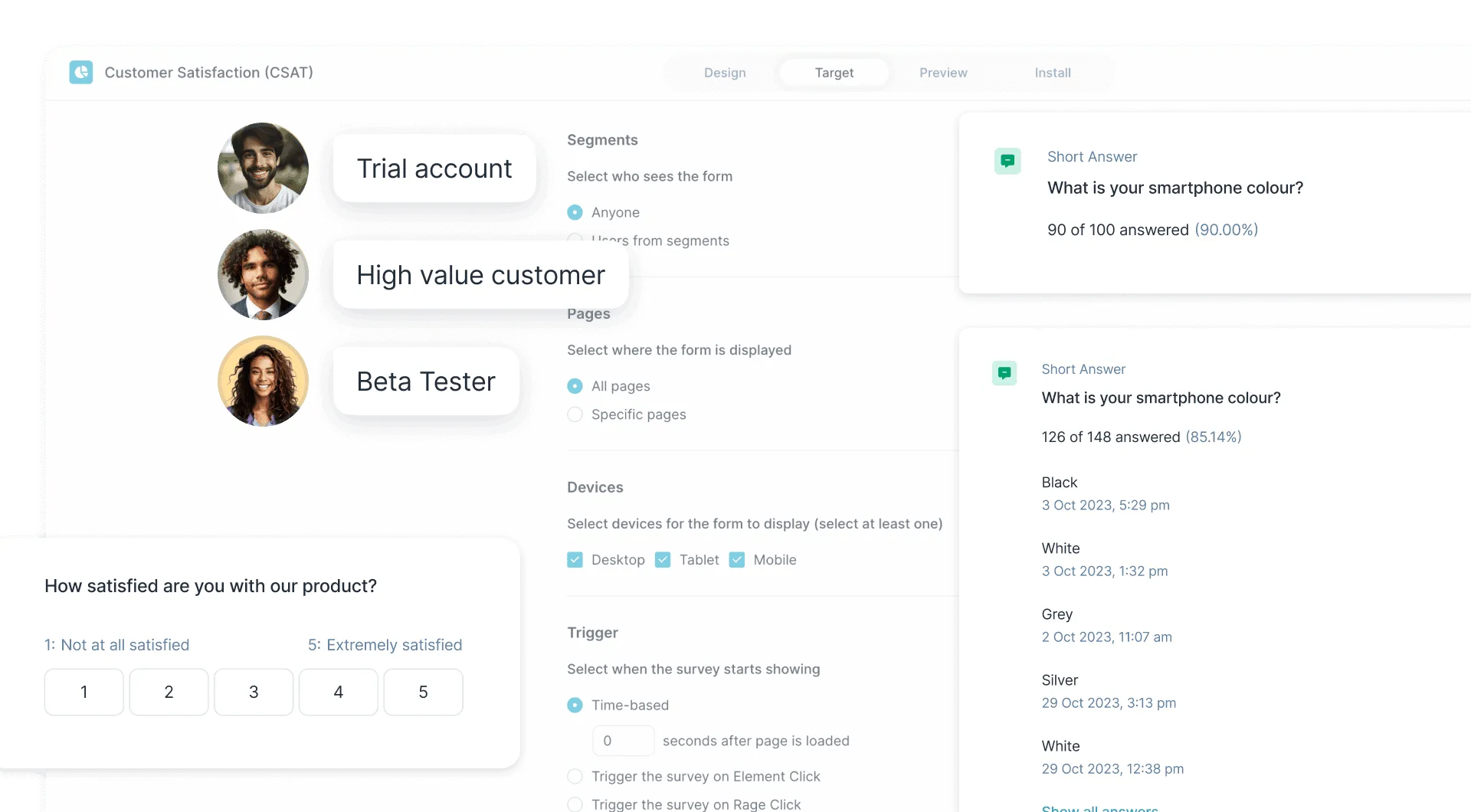
Connect your user data and target segments such as customers on a paid plan, users in their first month or internal testers. Narrow it further by page and by device: desktop, tablet or phone.
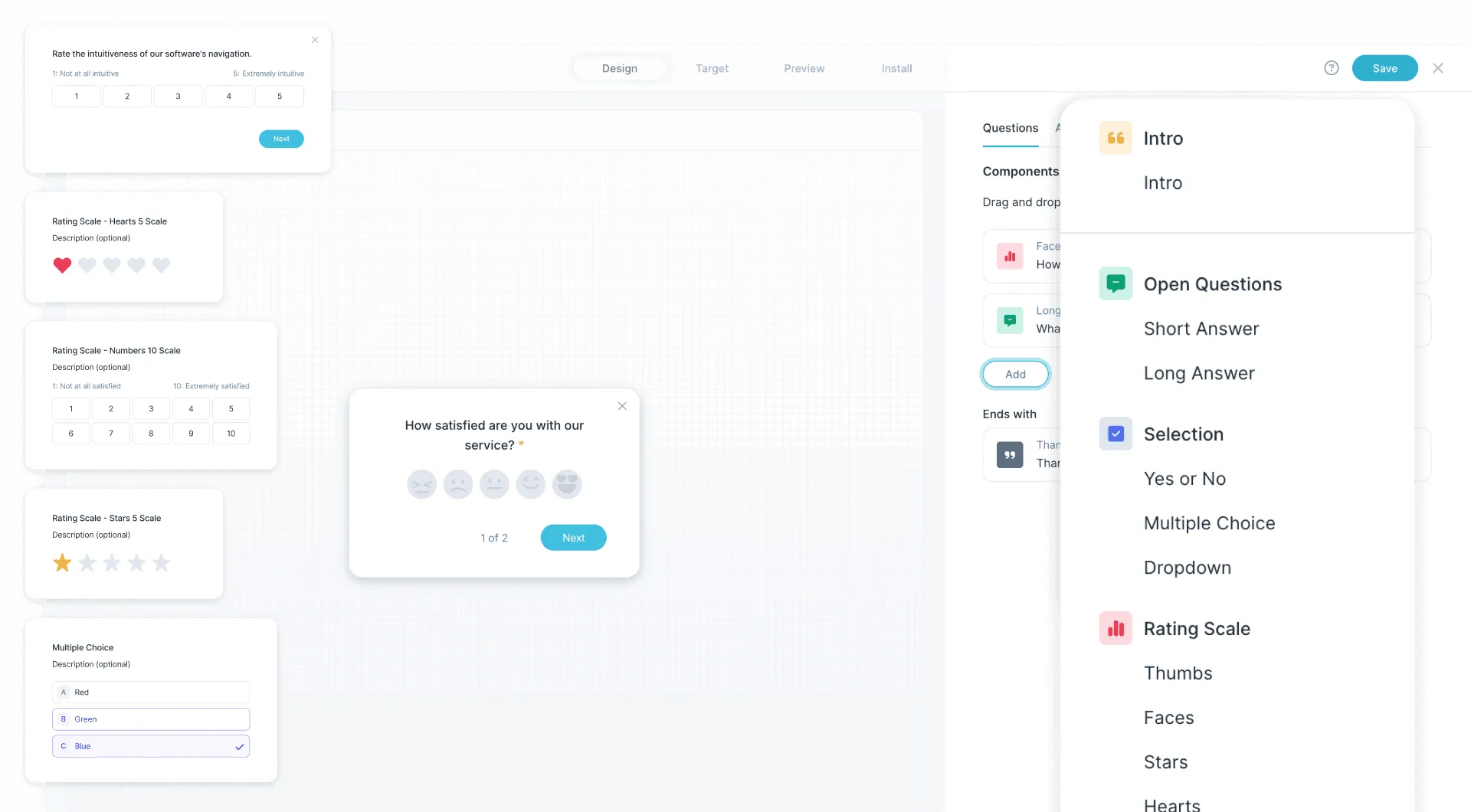
- Start from templates for NPS, CSAT and CES, or build your own.
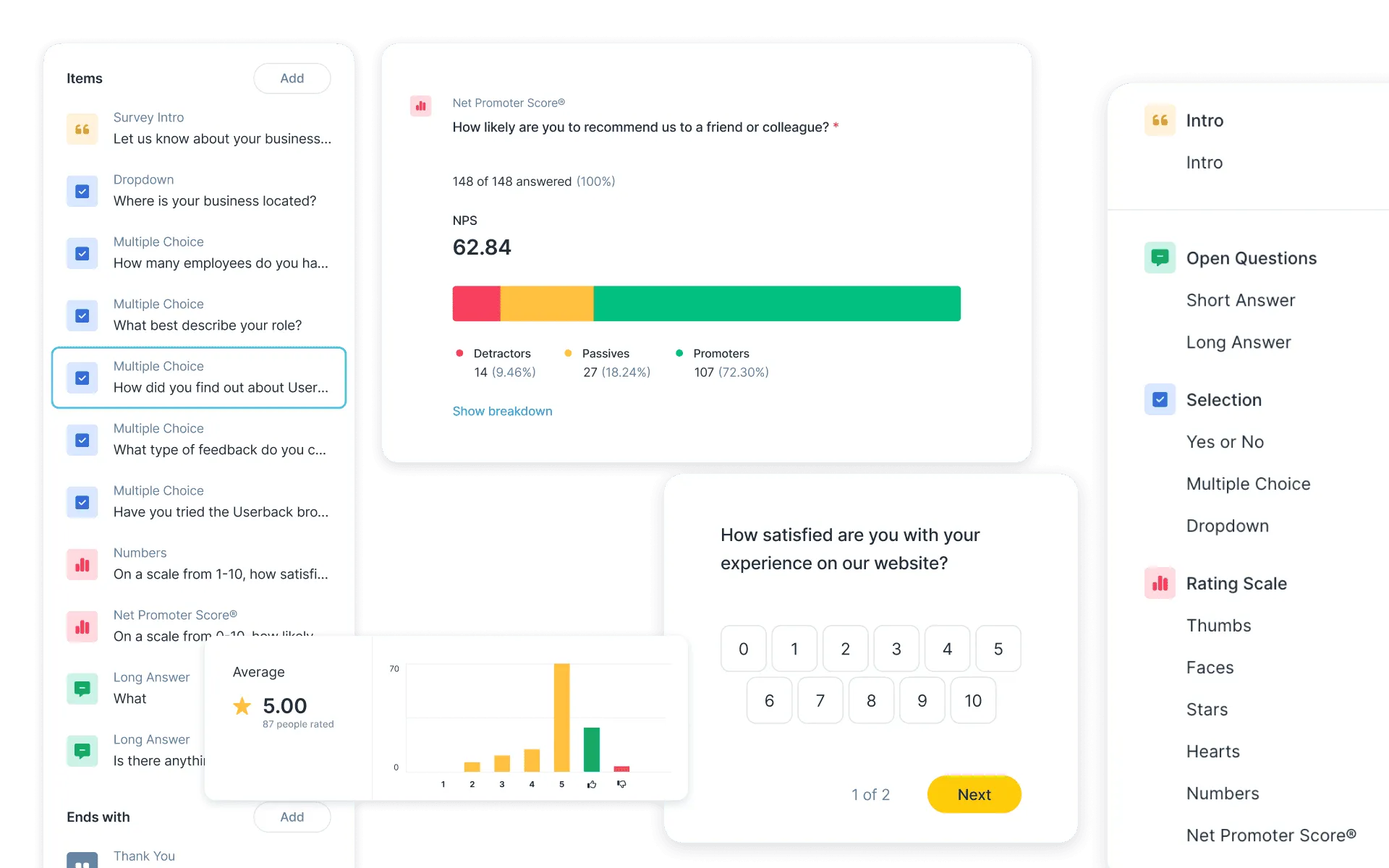
- 11 question types: short and long answer, yes or no, multiple choice, dropdown, thumbs, faces, stars, hearts, number scale and Net Promoter Score® (0–10), plus a welcome and a thank-you screen.
See each answer with the whole story
Every response lands in Userback with the user’s session details. Open the respondent and you see their NPS next to their bug reports, feature requests and past survey answers, so a low score comes with the reason behind it.
- NPS surveys show the score with the split of promoters, passives and detractors.
- Send responses to Slack, Microsoft Teams or a webhook, or export them as CSV.
What are user surveys in Userback?
User surveys in Userback are short in-app surveys (NPS, CSAT, CES or your own questions) that appear inside your product, on your website or through a shareable link. They're triggered by what users do and targeted by who they are, and every answer is stored with that user's other feedback.
What It Does
Builds NPS, CSAT, CES and custom surveys from templates or from scratch. Shows them in-app, on a website or through a link, triggered by time, element clicks, rage clicks, custom events or code, and targeted by user segment, page and device. Collects responses next to each user's feedback history, with NPS reporting and CSV export.
Key Benefit
Answers arrive while the experience is fresh and with the context to act on them: who answered, where they were, and what else they've reported.
Best For
- Running an ongoing NPS programme inside a SaaS product
- Asking about a feature right after someone uses it for the first time
- Catching frustration where it happens, with a survey on rage clicks
- Measuring effort after onboarding or a support interaction (CES)
- Asking only one segment, such as paid customers or new sign-ups
Userback has reduced the need for confusing back and forth conversations with clients trying to reproduce situations, so developers can fix issues faster.

Userback is the bridge between our product and our users. It's not just a tool — it's an extension of our commitment to our customers.

I absolutely love Userback! It’s been a real game-changer for how we collect feedback and interact with our users.

Frequently asked questions
User surveys, survey templates and behavioural targeting are included on the Business and Business Plus plans. You can try them free for 14 days. The Free Forever plan covers the feedback widget, the browser extension and visual feedback, not surveys.
Yes. Userback has a native Net Promoter Score® question (0–10) and an NPS template. The results show your score with the split of promoters, passives and detractors, and each respondent’s profile shows their NPS next to their other feedback.
Choose a trigger: after a set time, a click on a specific element, a rage click, or a custom event your app sends. Developers can also open a survey from code with Userback.openSurvey(). Then set whether it shows once or again after a number of days.
Yes. Connect your user data to create segments, for example customers on a paid plan or users who signed up this month, and combine them with page and device targeting.
Into Userback, next to each user’s feedback. You can also send them to Slack, Microsoft Teams or a webhook, and export them as CSV.
Ask your users while it's still fresh
Set up your first in-app survey in minutes. Surveys are included on the Business plans, free to try for 14 days.