
Bad bug report
- Title
- Upload broken
- Description
- I tried to upload a file and it didn't work. Please fix.
Three follow-up messages and two days before work starts.
Company
The fields a developer needs, a template you can paste into any tracker, and the difference between a report that gets fixed today and one that starts a three-message thread.


A bug report template is a ready-made structure that ensures every bug report carries what a developer needs to reproduce and act on it, without the reporter having to remember what to include. Copy the template below, pick the version for your tracker (Jira, GitHub, Excel, Sheets or plain markdown), or skip the template entirely: modern tools capture all of this automatically.
Key Takeaways
A bug report is the record a development team uses to reproduce, prioritize and fix a software bug. A good one contains eight fields: everything below is about filling them in well.
| Field | What it is |
|---|---|
| Title | What broke, where, and what you were doing |
| Environment | URL, browser and version, operating system, device |
| Steps to reproduce | Numbered, from a known starting state |
| Expected result | What should have happened |
| Actual result | What happened instead |
| Evidence | Screenshot or recording, console and network errors |
| Impact | Who is affected, and whether a workaround exists |
| Severity | How badly it breaks the product |
Copy this sample bug report template as-is: it’s free, no sign-up, no email wall. It works in Jira, Linear, GitHub Issues, a shared doc, or a support form. Everything after it explains how to fill it in — and how to stop needing to.
Title: [What broke] on [where], when [action]

Environment
- URL / screen:
- Browser + version:
- Operating system:
- Device / screen size:
- User account or role:

Steps to reproduce
1.
2.
3.

Expected result
What should have happened.

Actual result
What happened instead.

Evidence
- Screenshot / recording:
- Console errors:
- Network errors:

Impact
- Who is affected:
- Is there a workaround:

Severity: Blocker / Critical / Major / Minor / Trivial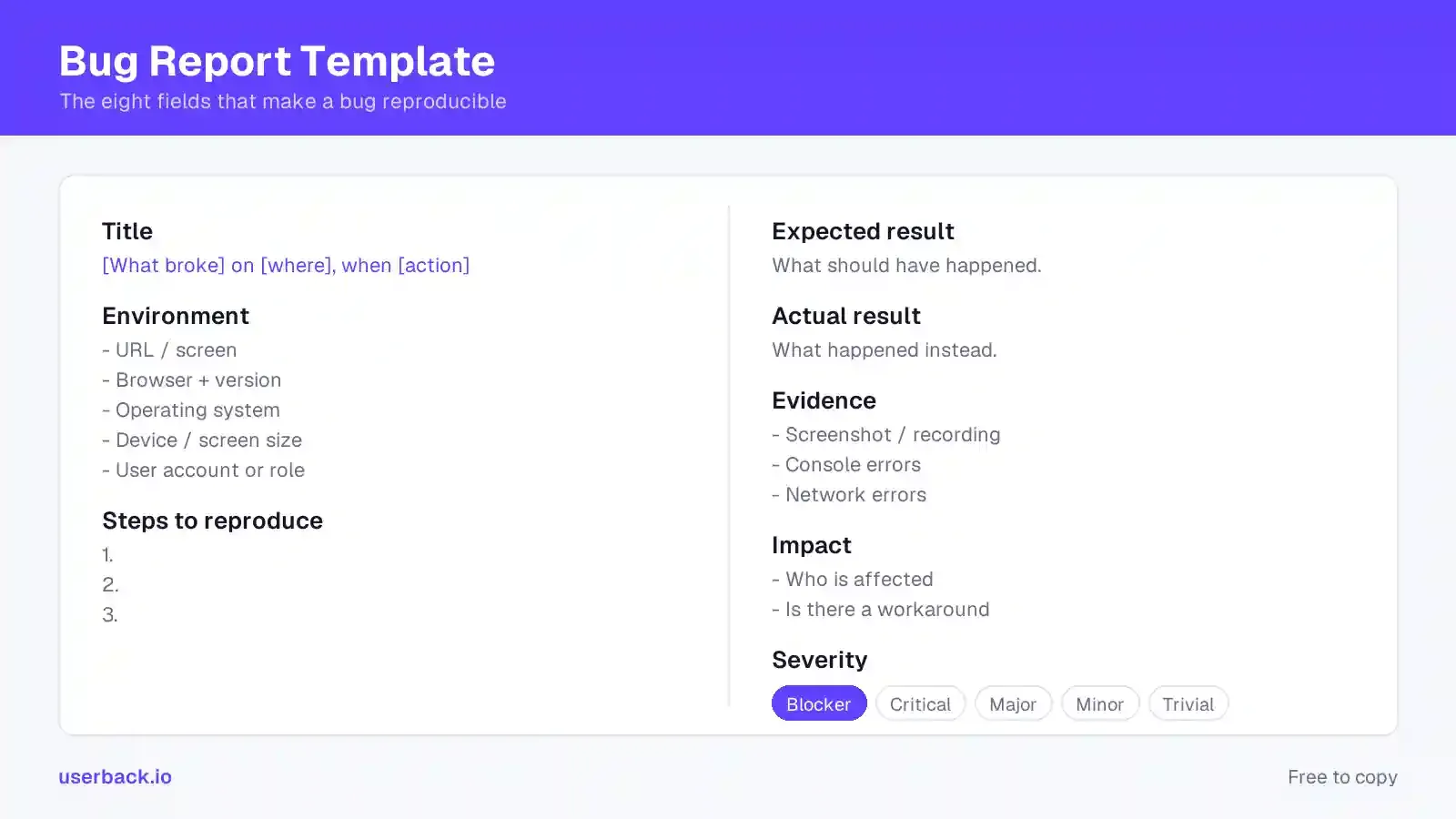
Same fields, shaped for where your team actually files bugs. Each template includes the same eight fields and is customizable: add fields to fit your workflow, but don’t drop the core. (If you use Userback, the bug reporting template is built into the widget, nothing to paste.) Each one is a copy block; the markdown version at the end is also available as a skill file for AI tools.
Jira ships with Priority but not Severity. Add severity as a custom field so the two stop being collapsed into one number. Paste this into the description of a Bug issue type, or skip the pasting entirely with the Userback Jira integration, which files the ticket pre-structured.
h3. Environment
* URL / screen:
* Browser + version:
* OS / device:
* Affects version:

h3. Steps to reproduce
#
#
#

h3. Expected result

h3. Actual result

h3. Evidence
* Screenshot / recording:
* Console errors:

h3. Impact
* Who is affected:
* Workaround:

Severity (custom field): Blocker / Critical / Major / Minor
Priority: set at triage, not by the reporterMarkdown-native. Save this as .github/ISSUE_TEMPLATE/bug_report.md and every new bug report opens pre-filled.
---
name: Bug report
about: Something is broken
labels: bug
---

**Title:** [What broke] on [where], when [action]

### Environment
- URL / screen:
- Browser + version:
- OS / device:

### Steps to reproduce
1.
2.
3.

### Expected result

### Actual result

### Evidence
- [ ] Screenshot / recording attached
- Console errors:

### Impact
- Who is affected:
- Workaround:

**Severity:** Blocker / Critical / Major / MinorFor QA teams who track bugs in bulk, the fields become columns, a lightweight bug tracking template. One row per bug, with the bug ID in column A; paste the header row and fill down. Freeze the header, keep Severity and Priority as separate columns, and track bug status in its own column.
ID Title Environment Steps to reproduce Expected Actual Evidence Who is affected Workaround Severity Priority Status Assignee Reported onThe shortest bug report format that still carries every field. This is also the format of the skill file below.
**[What broke] on [where], when [action]**

**Env:** URL · browser + version · OS / device
**Steps:** 1. … 2. … 3. …
**Expected:** …
**Actual:** …
**Evidence:** screenshot / console line
**Impact:** who · workaround?
**Severity:** MajorTo write a good bug report, state what broke, where, and what you were doing, in the title. Then give numbered steps to reproduce the bug from a known starting state, what you expected, what actually happened, and evidence (a screenshot or recording plus any console errors). Finish with who is affected and whether there’s a workaround.
“Checkout broken” tells a developer nothing they can triage. “Checkout fails with 500 on Safari 17 when applying a discount code” tells them the surface, the symptom, the environment and the trigger before they’ve opened the ticket. The pattern: what broke, where, and what you were doing.
If a developer can reproduce a bug, it’s usually fixed the same day. If they can’t, it sits in the backlog while people argue about whether it’s real.
Number the steps. Start from a known state (“logged in as a Team user, on an empty cart”), not from wherever you happened to be. Include the data you used (a specific discount code, a specific file size), because bugs frequently live in the data, not the flow. If it only happens sometimes, say so and say how often. “Roughly one in five attempts” is genuinely useful. “Sometimes” is not.
This looks like bureaucracy and isn’t. Recording expected and actual results as separate fields forces the reporter to state what they believed should happen, and a surprising share of “bugs” turn out to be a mismatch in expectations, which is worth knowing early and cheaply.
A screenshot with an arrow on the broken element replaces a paragraph. A screen recording replaces a page. Console and network errors help developers turn “it didn’t save” into a stack trace someone can search.
This is the field most often left empty, because gathering it manually is tedious: take the screenshot, crop it, annotate it, open dev tools, copy the console, find the browser version. Nobody reporting a bug in passing is going to do all that.
Severity written by the reporter is a guess, and that’s fine. But “who is affected and can they work around it” is something only the person who found the bug knows. One user with a workaround and every user on signup are the same defect with completely different urgency.
Bad bug report
Three follow-up messages and two days before work starts.
Good bug report
Fixable without a single follow-up question.
QA teams need two fields the general template keeps as one line, because they feed the triage workflow rather than reproduction. Severity is how badly it breaks — a technical judgment. Priority is how soon it gets fixed — a business judgment.
Keeping them separate matters. A cosmetic typo on the pricing page is low severity and high priority. A crash in an admin tool used twice a year is the reverse. Collapsing them into one number is how teams end up fixing the wrong thing first.
Two more custom fields worth adding for QA: a regression flag (did this work before?) and the build or release version. Both change who picks the ticket up.
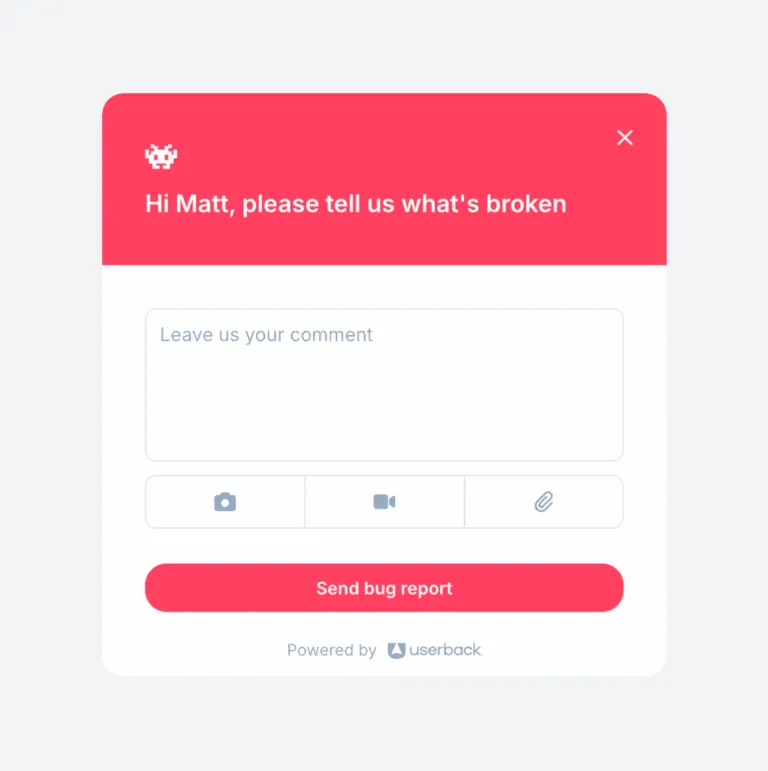
Creating a bug report shouldn’t require QA training. Customers and stakeholders report bugs in passing. They won’t fill in a nine-field template. Cut it to four and infer the rest:
Everything else (URL, browser, OS, console, session) should be captured automatically rather than asked for (that capture side is its own discipline, see visual bug reporting). Asking a customer for their browser version is asking them to do QA work. A form this short is the easiest way to collect bug reports from people outside the development team.
A template raises the floor on a single report. It doesn’t fix the reporting workflow, and most teams’ real problem is the workflow, not the form.
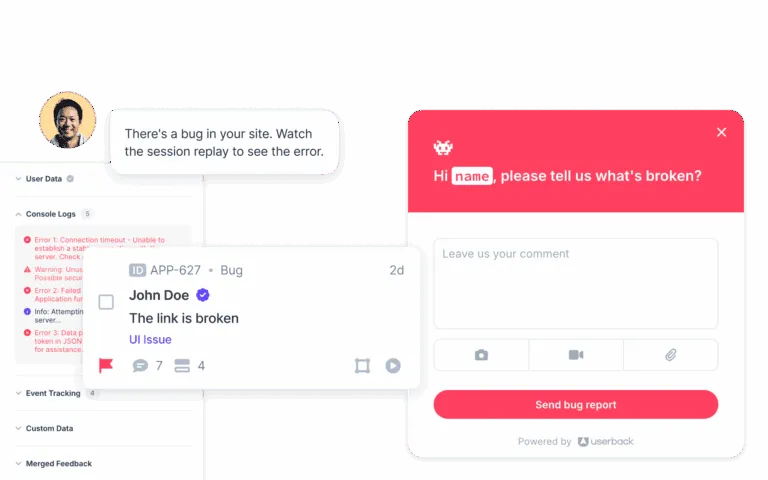
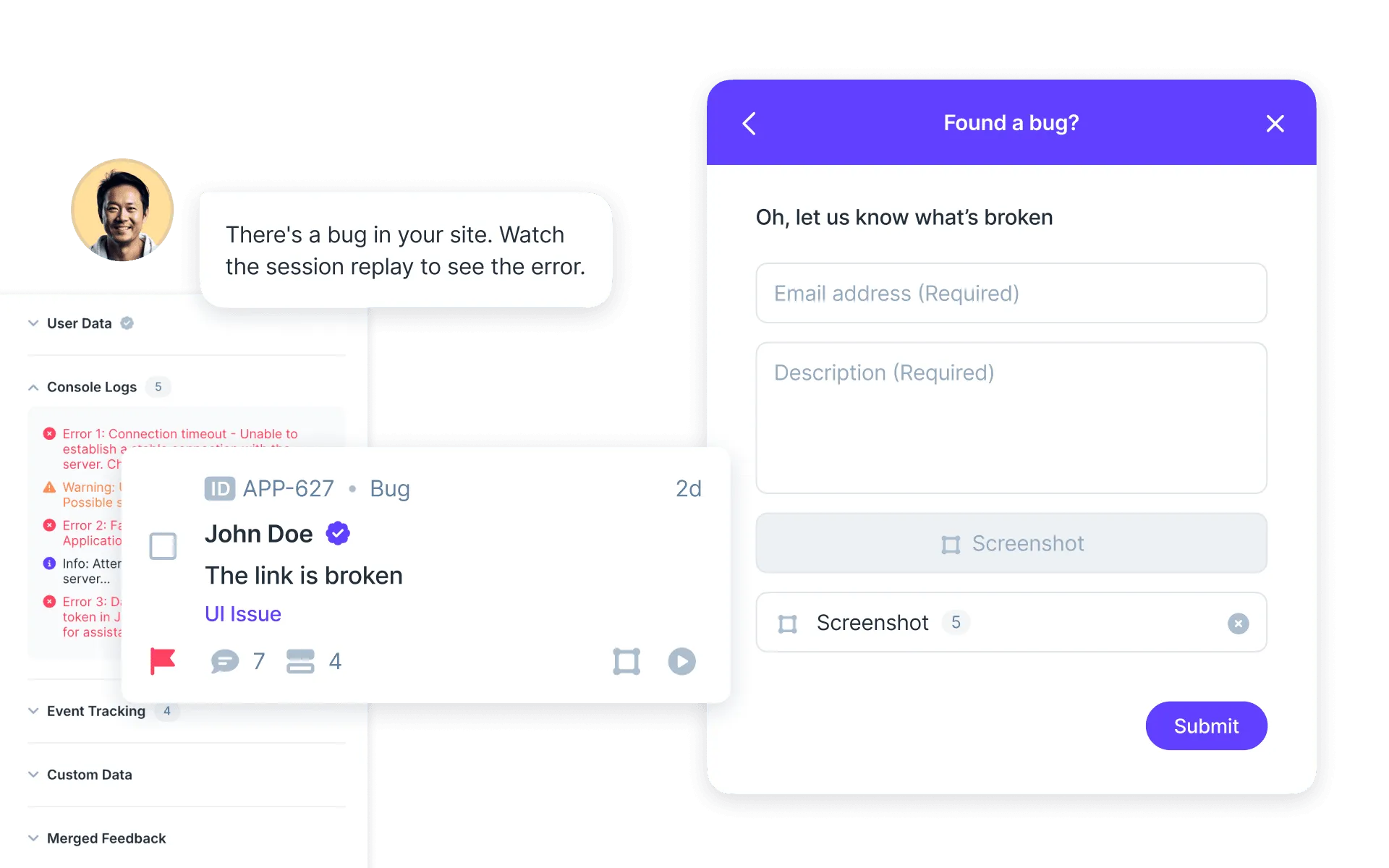
The pattern that works is to stop asking people for information the software already has. When a bug is reported from inside the product, the environment, console logs, network activity and a recording of what the user did can all be attached automatically. The reporter describes what went wrong; everything the template asks for manually gets filled in for them.
That’s what Userback’s feedback widget does: to report a bug, the reporter just clicks and annotates the broken element, and every bug report arrives with the metadata already on it. Screen annotation removes the “which button?” round-trip, session replay shows what happened before the failure rather than relying on the reporter’s memory of it, and reports route into Jira or whatever project management tool your team runs on, keeping bugs in one place: nobody re-types anything, and the team can resolve bugs faster.
The effect is measurable: after moving reporting into Userback, Boast cut feedback triage by 75%.
If your team writes issues with Claude Code, Cursor or a similar assistant, this is the same free bug report template as a skill file: drop it into your project and the AI writes bug reports in this format from a one-line description. It’s plain markdown, readable by humans too.
mkdir -p .claude/skills/bug-report && curl -o .claude/skills/bug-report/SKILL.md https://userback.io/skills/bug-report/SKILL.mdBug report skill (SKILL.md)
Free to download: the template, the eight field rules and a worked example, as a markdown skill file. Works as a Claude Code skill, a Cursor rule, or a pasted prompt.
Not for reports coming through the tool. A feedback tool like Userback captures the environment, console errors and a session replay automatically, so the report arrives already structured. The template is built in. Templates remain useful for channels outside the tool: email, support tickets, or teams without one.
State what broke, where, and what you were doing, in the title. Then give numbered steps to reproduce from a known starting state, what you expected, what actually happened, and evidence (a screenshot or recording plus any console errors). Finish with who is affected and whether there’s a workaround.
Copy the template above into your tracker, fill the eight fields, and attach evidence before anything else. If the bug was found inside a product with a feedback widget, report it from there: the environment, console and recording attach automatically.
One a developer can reproduce without asking a question: a descriptive title, the environment, numbered steps from a known state, expected vs actual result, evidence, and the impact on users. Severity helps; reproduction steps decide.
Severity is how badly the bug breaks the product, a technical judgment. Priority is how soon it should be fixed, a business judgment. They often disagree, and keeping them as separate fields is what stops teams fixing the wrong thing first.
No, it works in a shared doc or spreadsheet. A dedicated bug tracker helps once you have enough reports that issue tracking (status, ownership, duplicates) needs managing. See the bug reporting glossary entry for how the pieces fit together.
Userback captures the environment, console and a replay automatically — the template fills itself in.