Compare Feedback Tools: Userback vs Hotjar, Usersnap & Alternatives
Matthew
Share
Looking to compare feedback tools for your product team? With so many options available, finding the right feedback tool comparison can be overwhelming. Whether you’re evaluating Userback vs Hotjar vs Usersnap or exploring alternatives like Marker.io, BugHerd, and Jam.dev, this comprehensive guide helps you understand which platform best fits your needs. We’ll compare feedback tools across features, pricing, and use cases so you can make an informed decision for your SaaS business.
Why Compare Feedback Tools? (Choosing the Right Platform)
When you compare feedback tools, it’s easy to feel overwhelmed by the sheer number of options available. Not all feedback tools are created equal. Some focus on screenshots and visual bug reporting, others on analytics or surveys, and a few prioritize developer-centric workflows. If you just need a basic website feedback tool, many of these options will work fine. But if your goal is to centralize user feedback, streamline collaboration, and connect insights directly to your product roadmap, the differences become critical.
The right feedback tool comparison helps you understand which platform aligns with your team’s workflow, budget, and goals. As a PM, SaaS founder, or product team member, you need a tool that doesn’t just collect feedback. You need one that turns insights into actionable product decisions. That’s where understanding the nuances between platforms becomes essential.
Userback vs Hotjar vs Usersnap: Top 3 Feedback Tools Compared
Before diving into all six platforms, let’s compare feedback tools that represent the top three choices for product teams: Userback vs Hotjar vs Usersnap.
1. Userback: The All-in-One User Feedback Platform
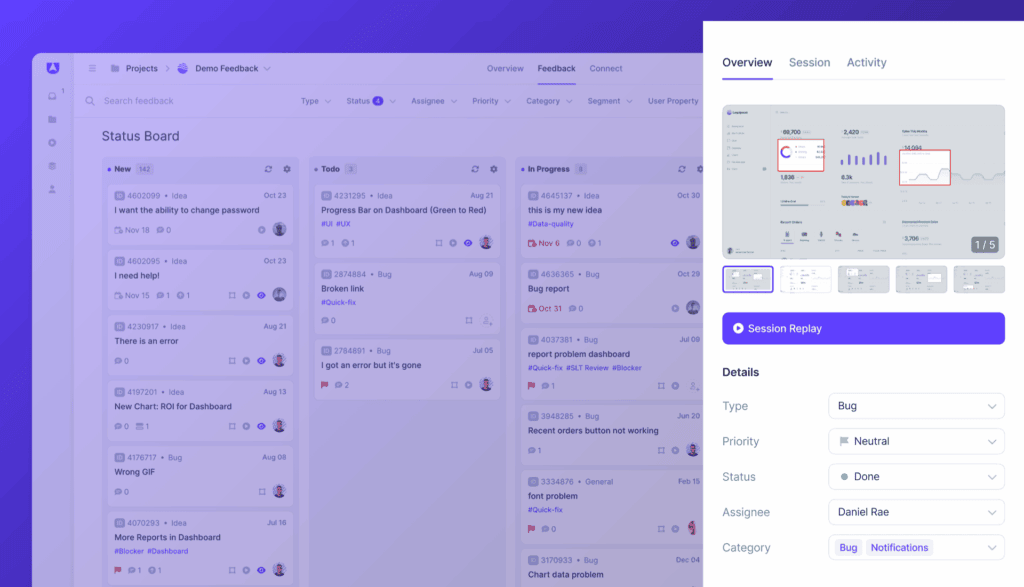
Userback is designed specifically for product-led teams who want to connect user feedback directly to product strategy. Unlike traditional feedback tools that just collect data, Userback transforms feedback into action through AI Assist, automated workflows, and integrated roadmaps. It combines visual feedback, session replays, surveys, feature requests, and an Ideas Portal in one centralized hub.
Best for: Product managers, SaaS founders, and product teams who need to turn feedback into actionable outcomes.
Key differentiator: Only platform with embedded roadmaps and AI-powered feedback intelligence.
2. Hotjar: Analytics-First Behavioral Insights
Hotjar excels at understanding how users interact with your website through heatmaps, session recordings, and behavioral analytics. It’s excellent for identifying UX issues and testing page performance, but focuses more on analytics than on managing or acting on user feedback.
Best for: Large teams that need sophisticated web analytics and behavioral insights.
Key limitation: Lacks integrations for product planning, feedback management, and collaboration tools that product teams need.
3. Usersnap: Visual Bug Reporting Focused
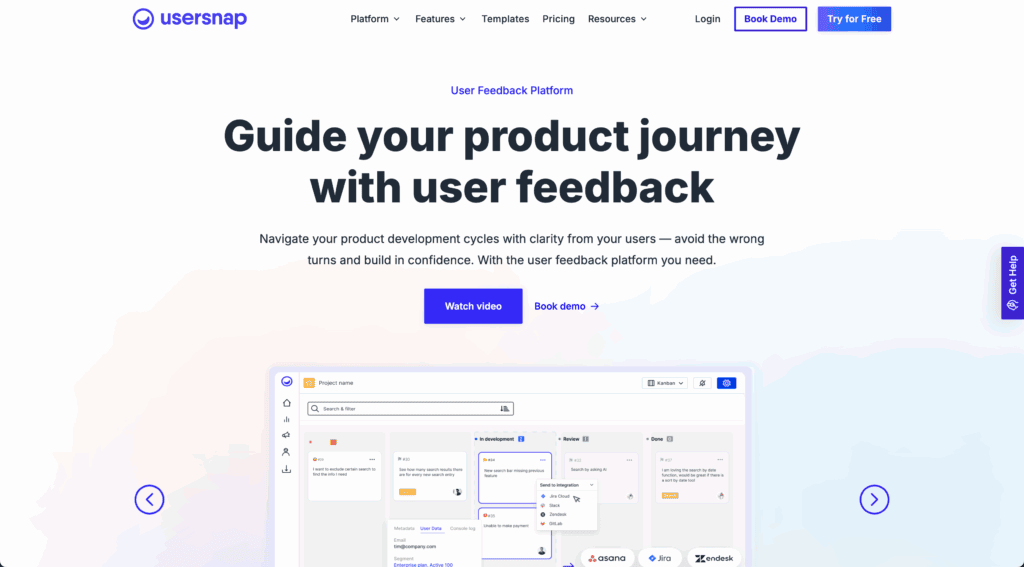
Usersnap focuses on visual bug reporting and customer feedback collection with strong annotation tools. It makes it easy to capture annotated screenshots and report issues directly from websites or apps, but lacks the strategic product management features that growing teams need.
Best for: Teams needing basic visual feedback and bug reporting tools.
Key limitation: No built-in roadmap, idea management, or advanced automation features.
Side-by-Side Comparison
When you compare feedback tools across these three platforms, here’s what stands out:
For product teams specifically, Userback vs Hotjar vs Usersnap comes down to one key question:
Do you want analytics tools (Hotjar), basic bug reporting (Usersnap), or a complete feedback intelligence platform that drives product decisions (Userback)?
Ready to build better with user feedback?
Centralize feedback in one intelligent platform and act on it faster.
What Feedback Tools Are Available? (6 Leading Platforms)
Now let’s explore all six platforms in detail to help you compare feedback tools comprehensively.
1. Userback
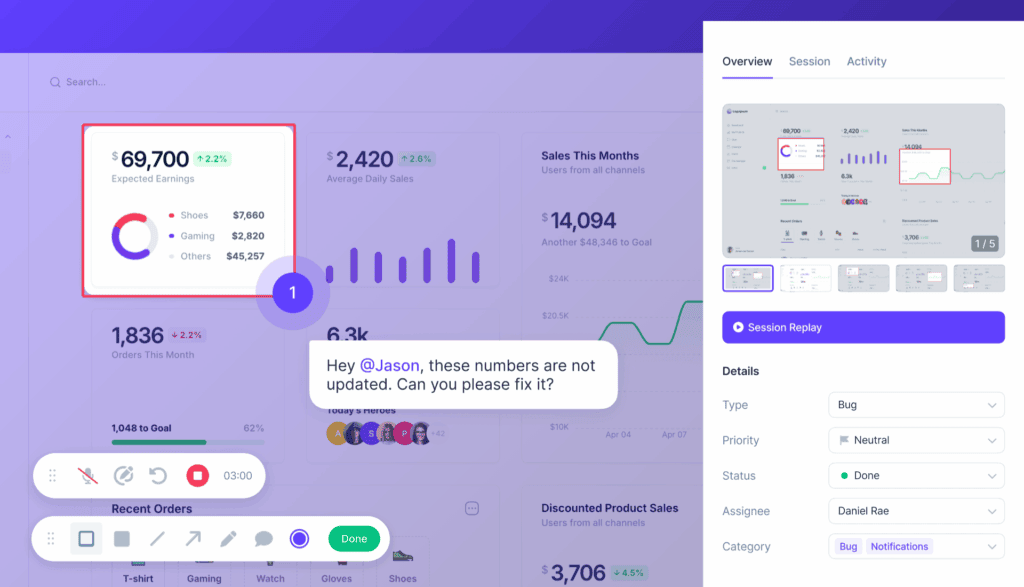
Userback is an all-in-one user feedback platform that goes beyond bug reporting or analytics. It combines screenshots, annotated feedback, session replays, console logs, in-app surveys, AI Assist, and an Ideas Portal in a single hub. With embedded roadmaps, automations, and integrations, Userback helps teams centralize feedback and turn insights into actionable product decisions.
Pros:
Complete all-in-one feedback hub for product, dev, and support teams
Combines visual feedback, surveys, and roadmap features
Built-in AI Assist and automations save time
Integrates with Jira, Slack, Linear, ClickUp, and more
Cons:
Advanced features (like AI Assist and automations) only available on higher plans
Price from: $9/month plus free forever plan available
Best for: Product-led teams that want to collect user feedback in a central location and manage it faster.
2. Hotjar
Hotjar is best known for heatmaps, session recordings, and in-app surveys. It’s excellent for understanding how users interact with your product, but it focuses more on analytics than on managing or acting on user feedback.
Pros:
Powerful heatmaps and session recordings for behavioral insights
Great for identifying UX issues and testing page performance
Easy to use for large teams
Cons:
Lacks integrations for product planning or feedback management
Limited collaboration tools
Price from: $40/month plus limited free plan
Best for: Large teams that need sophisticated web analytics and behavioral insights
Usersnap focuses on visual bug reporting and customer feedback collection. It makes it easy to capture annotated screenshots and report issues directly from websites or apps.
Pros:
Strong visual and annotation tools
Simple widget for collecting in-app feedback
Integrates with major project management tools
Cons:
No built-in roadmap or idea management
Limited automation and analytics features
Price from: $49/month
Best for: Teams needing basic visual feedback and bug reporting tools
Marker.io is built for agencies and QA teams who need simple bug reporting with quick integrations to tools like Jira and Trello. It’s focused and lightweight but lacks deeper feedback and collaboration functionality.
Pros:
Quick and simple bug reporting workflow
Easy integration with project management tools
Ideal for agencies managing client feedback
Cons:
No feedback collection beyond bugs
Doesn’t support surveys, replays, or idea tracking
Price from: $59/month
Best for: Agencies and QA teams needing simple visual bug reporting
BugHerd is a visual feedback tool that helps web teams annotate and track website issues quickly. It’s particularly suited for client-facing web projects and agencies.
Pros:
Simple visual feedback and bug tracking
Intuitive for non-technical users
Ideal for website reviews and client feedback
Cons:
No in-app surveys or idea management
Limited workflow automation
Price from: $50/month
Best for: Creative and agency teams managing client feedback on web projects
Jam.dev is designed for developers. It captures console logs, network requests, and other technical data automatically, making it great for debugging but not for broader feedback collection or product strategy.
Pros:
Excellent debugging data capture for devs
Integrates with tools like Jira and GitHub
Speeds up issue reproduction and resolution
Cons:
Not designed for collecting user feedback or ideas
Limited collaboration for non-technical teams
Price from: $14/month plus free basic plan
Best for: Developer teams focused on technical debugging and QA
Userback vs Hotjar: Key Differences for Product Teams
When product teams compare feedback tools, the Userback vs Hotjar decision often comes down to understanding what each platform is fundamentally designed to do.
What Hotjar Does Well
Hotjar is exceptional at behavioral analytics. If your primary need is understanding how users interact with your website like where they click, how far they scroll, where they drop off, then Hotjar’s heatmaps and session recordings are industry-leading. For conversion rate optimization, landing page testing, and UX research on public websites, Hotjar delivers powerful insights.
Where Hotjar Falls Short for Product Teams
However, Hotjar was built for marketers and UX researchers, not product managers. It lacks the strategic product management features that growing SaaS teams need:
No product roadmap integration: You can’t connect feedback to what you’re building
Limited collaboration: Feedback doesn’t flow into your development workflow
No feature request management: Can’t track what customers want you to build next
Analytics-only approach: Focuses on what happened, not what to do about it
How Userback Fills the Gap
Userback was purpose-built for product teams who need to turn feedback into product decisions:
AI Assist automatically summarizes feedback, highlights trends, and helps prioritize issues faster
Embedded roadmaps let you track feature requests, communicate updates, and involve stakeholders in prioritization
2-way integrations with Jira, Linear, and other dev tools keep feedback and workflows fully aligned
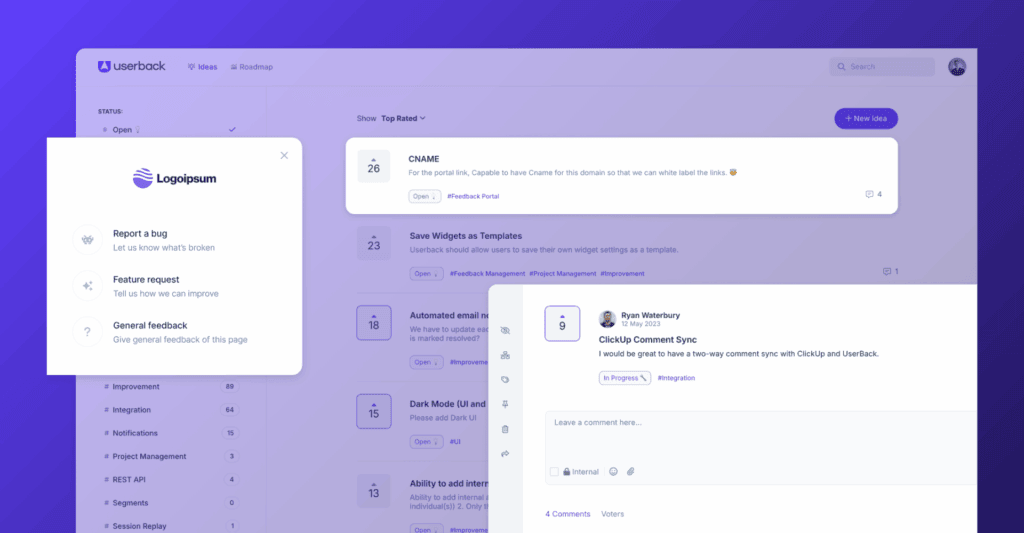
Ideas Portal creates a feedback loop where customers can submit and vote on features
When to Choose Each
Choose Hotjar if:
You’re primarily focused on website analytics
Your main goal is conversion rate optimization
You need heatmaps and behavioral data
You’re a marketing or UX team
Choose Userback if:
You’re a product-led team or SaaS company
You need to connect feedback to your product roadmap
You want AI-powered feedback intelligence
You need an all-in-one platform that replaces multiple tools
For product teams specifically, Userback vs Hotjar isn’t really a competition as they serve different purposes. Userback replaces your feedback stack and drives product strategy, while Hotjar helps you understand web analytics.
Why Userback is the Best All-in-One Feedback Platform
If your primary need is a website feedback tool, the other platforms can work well depending on your specific focus, like bug reporting, heatmaps, or session analytics. But if you want a true user feedback platform, Userback is the all-in-one solution.
Here’s why:
1. Centralize All Feedback
With Userback, you can collect screenshots, annotated feedback, session replays, console logs, and in-app survey responses, all in one place. No more switching between multiple tools to see what users are saying.
2. AI Assist Makes Feedback Actionable
AI Assist automatically summarizes feedback, highlights trends, and helps prioritize issues faster. Instead of spending hours reviewing tickets, you get clear, actionable insights that inform product decisions.
3. Connect Feedback to Product Strategy
Userback’s Ideas Portal and embedded roadmap let your team track feature requests, communicate updates, and involve stakeholders in prioritization. Feedback isn’t just collected. It drives real product decisions.
4. Seamless Integrations
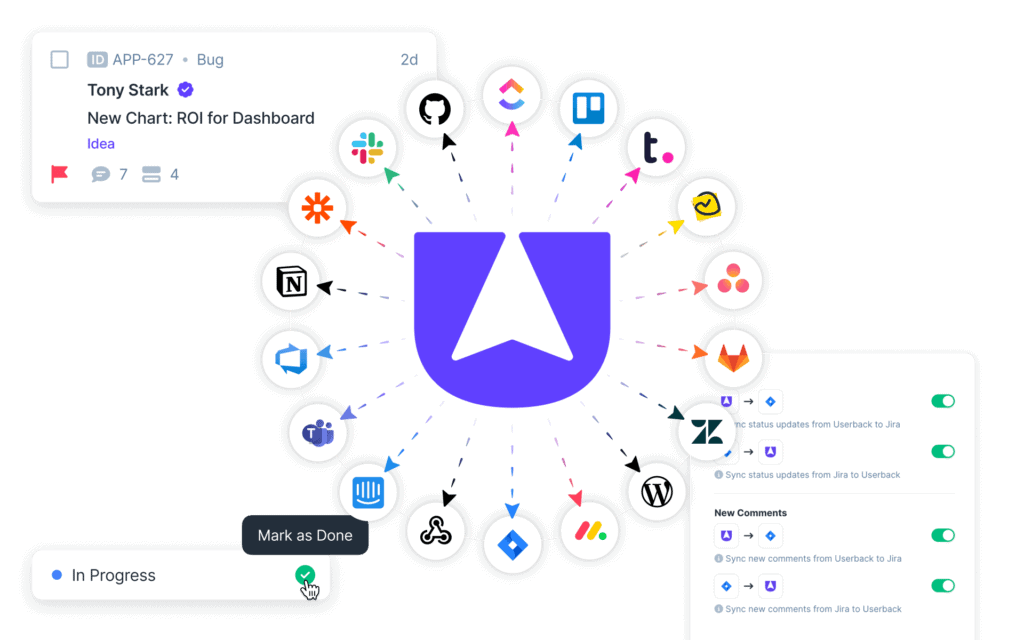
With integrations for Jira, GitHub, Slack, Trello, and more, Userback helps keep your feedback and workflows fully aligned. Automations ensure feedback flows directly into your workflow without manual duplication or lost context.
5. Designed for Product Teams, Customer Support, Developers, and SaaS Founders
Whether you’re prioritizing roadmap items, resolving bugs, connecting with customers, or collecting feature requests, Userback keeps everyone aligned. You spend less time managing tools and more time building better products.
See Userback In Action
Discover how Userback helps you collect, manage, and act on user feedback with ease.
Conclusion: Which Feedback Tool Comparison Is The Winner?
Choosing a feedback tool comparison winner comes down to your goals. If all you need is basic website bug reporting or analytics, Hotjar, Usersnap, Marker.io, BugHerd, or Jam.dev might be sufficient.
But if your goal is to centralize user feedback, make product decisions faster, and keep your team aligned, Userback stands out as the complete user feedback platform. It’s more than a website feedback tool. It’s a tool built for PMs, product teams, customer support, developers, and SaaS founders who want to turn insights into action, not just reports.
When you compare feedback tools holistically, Userback is the only platform that combines feedback collection, AI-powered feedback intelligence, product roadmaps, and strategic integrations in one place. For product-led teams building products their users truly want, the choice is clear.
Ready to see how Userback can simplify your feedback process?