


Feature Request Template
Allow users to share their ideas to help shape your product roadmap.
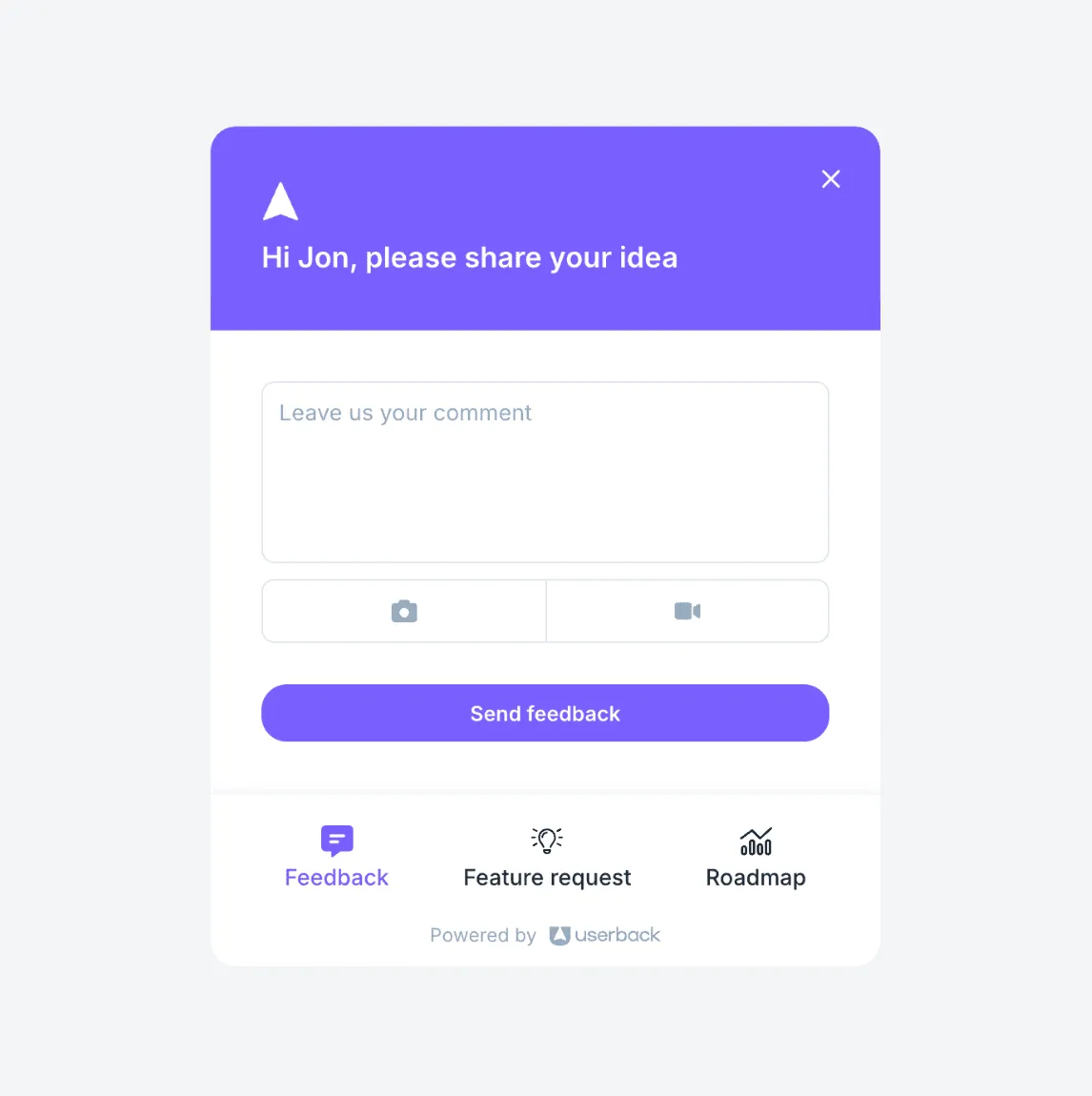
Join over 20,000 SaaS teams building better with Userback and feature request templates.

















How the feature request template works
1. Collect
Gather detailed feature requests from your website or application.
2. Understand
Get all the context you need to easily understand feature requests.
3. Act
Quickly respond to users, simplify workflows, and respond faster.
Way more than feature request templates!
Userback has everything you need to collect more feedback from your users and act on it faster.
-
Screen Annotation
Learn more →Enhance feedback clarity with screen annotations. Allow users to highlight, draw, and comment directly on the screen to describe their feedback in detail.
-
Video Feedback
Learn more →Capture detailed insights with video feedback. Empower users to provide feedback through annotated video recordings.
-
Session Replay
Learn more →Understand user behavior with session recordings. Capture and replay user sessions to see exactly how visitors interact with your website or app.
Userback is simple and intuitive, it’s a no code user feedback platform that Product Managers can own and run without ongoing developer support. We were up and running in under two hours. It’s just really easy.

Frequently asked questions
The feature request template allows users to submit ideas and suggestions directly from your website or application. They can describe their request, explain why it’s important, and attach supporting details like annotated screenshots. Submissions are collected in one place, making it easy to review, categorize, and prioritize feature ideas based on user demand. You can then track requests, engage with users, and keep them updated on progress through a feature portal.
Yes! The feature request template is fully customizable, so you can tailor it to your specific needs. Choose which fields to include, adjust the design to match your branding, and configure feedback categories to align with your workflow.
Absolutely! The feature request template works across websites, web apps, and SaaS platforms. It’s easy to install and integrates effortlessly with your tech stack.
Getting started with Userback is simple! First, sign up for an account on our website. Once you’re logged in, you can customize your feedback widget to match your branding and needs. After that, just add the widget to your website or app by following our easy setup instructions. You’ll be collecting valuable user feedback in no time, and our intuitive dashboard makes it easy to manage and analyze feedback as it comes in.
Yes! Userback offers a free plan with limited features, so you can start collecting user feedback right away without any cost. The free plan allows you to try out key features, such as the feedback widget and get a feel for how the platform works. If you need more advanced features, you can always upgrade to a paid plan later. Visit our pricing page to see all plans.
Ready to build better products with fast, actionable user feedback?
Start by harnessing the power of Userback’s advanced customer feedback tools, including our feature request template.